
Guides
What a walk with a camera actually involves: asking, settings, the cable, and getting people their photos while you are still standing there. Written by the people building StreetKit, checked against the cameras on the desk.
Canon and iPhone
 Canon and iPhone
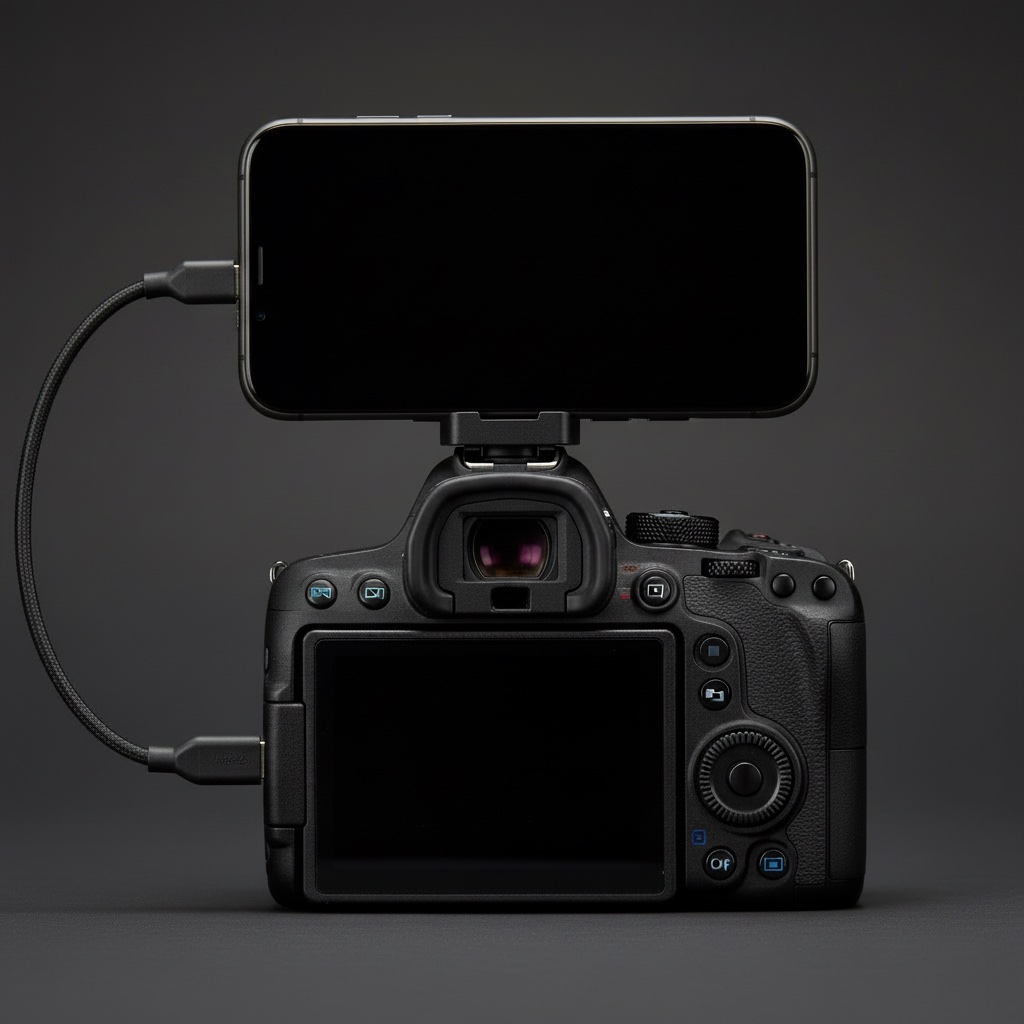
How to tether a Canon to an iPhone over USB-C
The cable, the one camera menu that matters, and the two ways shots can land on the phone.
Canon and iPhone
How to tether a Canon to an iPhone over USB-C
The cable, the one camera menu that matters, and the two ways shots can land on the phone.
 Canon and iPhone
Canon "USB connection app": which setting to pick, and why the iPhone sees nothing
The one menu item that decides whether an iPhone sees your Canon, and what each option does.
Canon and iPhone
Canon "USB connection app": which setting to pick, and why the iPhone sees nothing
The one menu item that decides whether an iPhone sees your Canon, and what each option does.
 Canon and iPhone
Which Canon cameras connect to an iPhone over USB
EOS R3, R5, R6, R8, R50 and the rest: which bodies talk to an iPhone over a cable.
Canon and iPhone
Which Canon cameras connect to an iPhone over USB
EOS R3, R5, R6, R8, R50 and the rest: which bodies talk to an iPhone over a cable.
 Canon and iPhone
Canon EOS R3 to iPhone over USB-C: the settings that work on the street
The exact menu settings on the R3, from a camera that has been walked around with a phone on it.
Canon and iPhone
Mounting an iPhone on a camera hot shoe: the mount, the cable, the length
MagSafe cold-shoe mounts, which USB-C cable, how long, and keeping it out of the lens.
Canon and iPhone
Canon EOS R3 to iPhone over USB-C: the settings that work on the street
The exact menu settings on the R3, from a camera that has been walked around with a phone on it.
Canon and iPhone
Mounting an iPhone on a camera hot shoe: the mount, the cable, the length
MagSafe cold-shoe mounts, which USB-C cable, how long, and keeping it out of the lens.
 Canon and iPhone
RAW, JPEG or HEIF when the camera is tethered to a phone
An iPhone cannot show a CR3. What to set so the phone gets something, the HEIF option, and keeping RAW for the edit.
Canon and iPhone
RAW, JPEG or HEIF when the camera is tethered to a phone
An iPhone cannot show a CR3. What to set so the phone gets something, the HEIF option, and keeping RAW for the edit.
On the street
 On the street
How to ask a stranger for a portrait (and what to say when they ask why)
What to say, word for word, the three seconds that decide it, and what to do with the no.
On the street
How to ask a stranger for a portrait (and what to say when they ask why)
What to say, word for word, the three seconds that decide it, and what to do with the no.
 On the street
Street portrait camera settings that work in twenty seconds
Av at f/2.8 to f/4, 1/250 minimum, Auto ISO, eye detection on. Why, and where it is in the Canon menu.
On the street
Street portrait camera settings that work in twenty seconds
Av at f/2.8 to f/4, 1/250 minimum, Auto ISO, eye detection on. Why, and where it is in the Canon menu.
 On the street
Do you need a model release for a street portrait?
Usually no, sometimes yes. Personal, editorial and commercial use in plain words, plus a release short enough to sign on a pavement.
On the street
Do you need a model release for a street portrait?
Usually no, sometimes yes. Personal, editorial and commercial use in plain words, plus a release short enough to sign on a pavement.
 On the street
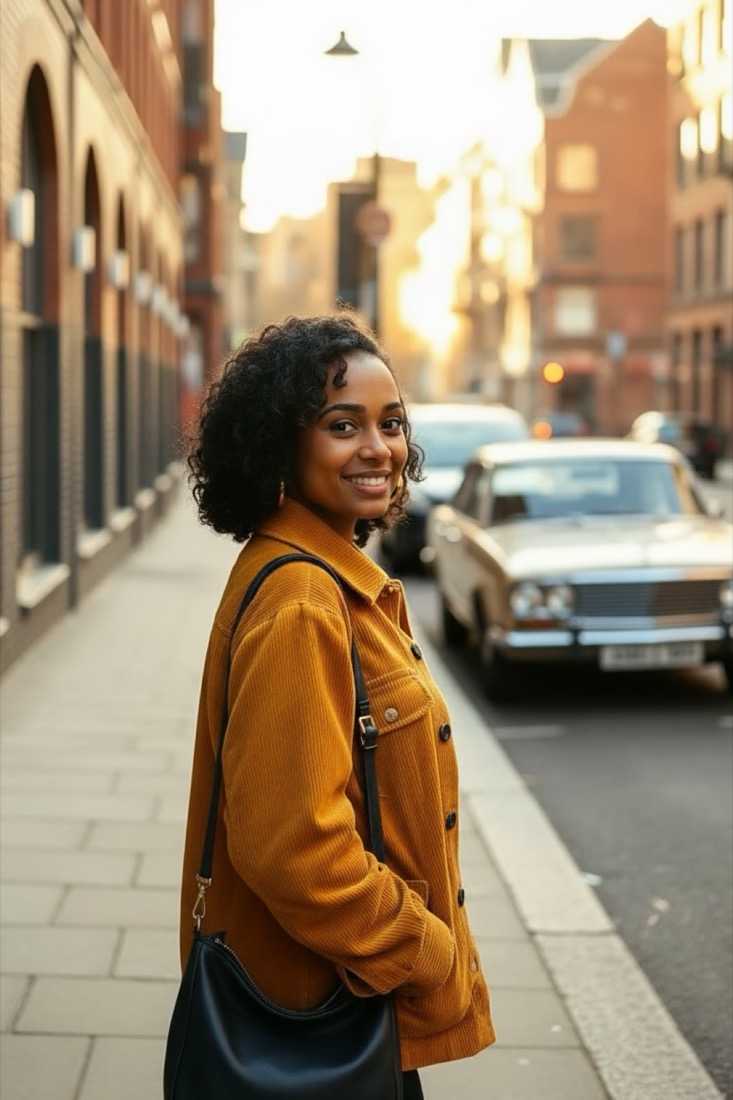
Street photography for beginners: the first ten walks
Not a list of tips. One lens, one setting, one street, and a small goal for each of the first ten walks.
On the street
Street photography for beginners: the first ten walks
Not a list of tips. One lens, one setting, one street, and a small goal for each of the first ten walks.
Sharing photos
 Sharing photos
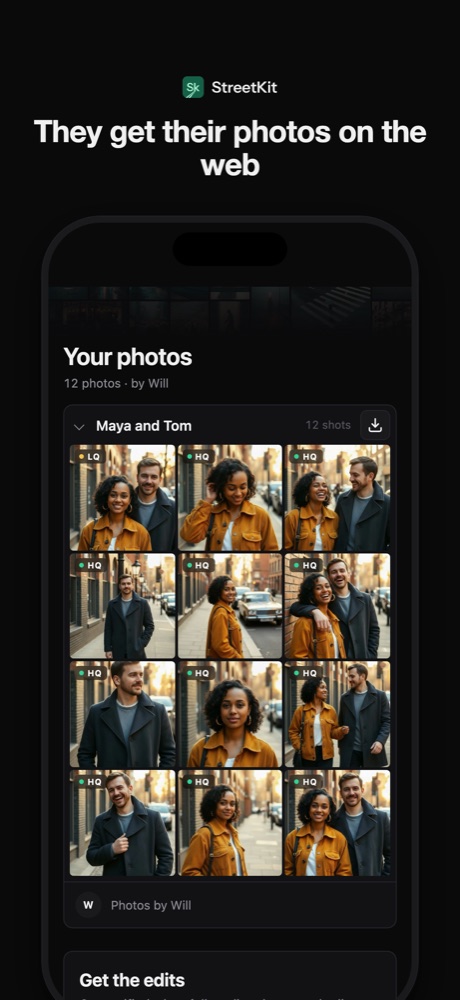
How to send people the photos you took of them (without losing half of them)
AirDrop, text, Dropbox, a gallery, or a QR code on the spot. What each one costs and who actually gets their photo.
Sharing photos
How to send people the photos you took of them (without losing half of them)
AirDrop, text, Dropbox, a gallery, or a QR code on the spot. What each one costs and who actually gets their photo.
 Sharing photos
Share photos with a QR code: what the other person sees, and what you keep
What the code contains, what opens on their phone, and who can see what.
Sharing photos
Same-day photo delivery: proofs on the spot, edits when they are ready
Two deliveries: proofs before they leave, edits by email when done. What it takes to do that tethered.
Sharing photos
Share photos with a QR code: what the other person sees, and what you keep
What the code contains, what opens on their phone, and who can see what.
Sharing photos
Same-day photo delivery: proofs on the spot, edits when they are ready
Two deliveries: proofs before they leave, edits by email when done. What it takes to do that tethered.
 Sharing photos
Your QR code on an Apple Watch: turn your wrist, they scan
With the phone on the camera, the share code moves to your wrist. What the watch app does and does not do.
Sharing photos
Your QR code on an Apple Watch: turn your wrist, they scan
With the phone on the camera, the share code moves to your wrist. What the watch app does and does not do.