
Sharing photos
How to send people the photos you took of them (without losing half of them)
Every photographer who asks strangers for portraits has a drawer of unsent photos. The intention was real. The scrap of paper with the email was real too, until it went through the wash. The problem is not kindness, it is the gap between the moment and the sending. Close the gap and the photos get delivered. Here is each way to do it, with the gap measured.
The honest table
| Method | When they get it | What you do | Where it fails |
|---|---|---|---|
| Email later | Days, if ever | Collect address, import card, pick, export, attach, send | The address is wrong, or the evening never comes. Most photos die here. |
| Text later | Days | Same, plus you now have a stranger's number in your phone | Compressed to mush by the carrier. Still needs the evening. |
| AirDrop now | On the spot | Get the shot onto your phone, find them in the AirDrop list, they accept | iPhone to iPhone only. Needs the photo on your phone first, which means a card reader or Wi-Fi transfer in the street. About a minute of both of you staring at screens. |
| Dropbox or Google Drive link | That evening at best | Upload a folder, copy a link, send it somehow | Still needs their address. Fine for a client, odd for a stranger. |
| Client gallery (Pixieset, Pic-Time, ShootProof) | Next day | Upload, build a gallery, send the link | Built for weddings. Overkill for one portrait of a man with a good hat. |
| QR code on the spot | On the spot | Tap the group, hold up the phone | Needs the shots on your phone live, which means a tethered camera. |
What a stranger actually wants
Not a gallery. Not an app. Not to give you their email before they have seen the picture. They want to see the photo, decide it is good, and have it on their phone so they can send it to someone. In that order, in under a minute, while you are still there to say thank you to.
Work backwards from that and most of the table rules itself out. The two that survive are AirDrop and a QR code, and only the QR code works with an Android phone, a tourist with no AirDrop set up, or a pair of friends who both want it.
How the QR way works
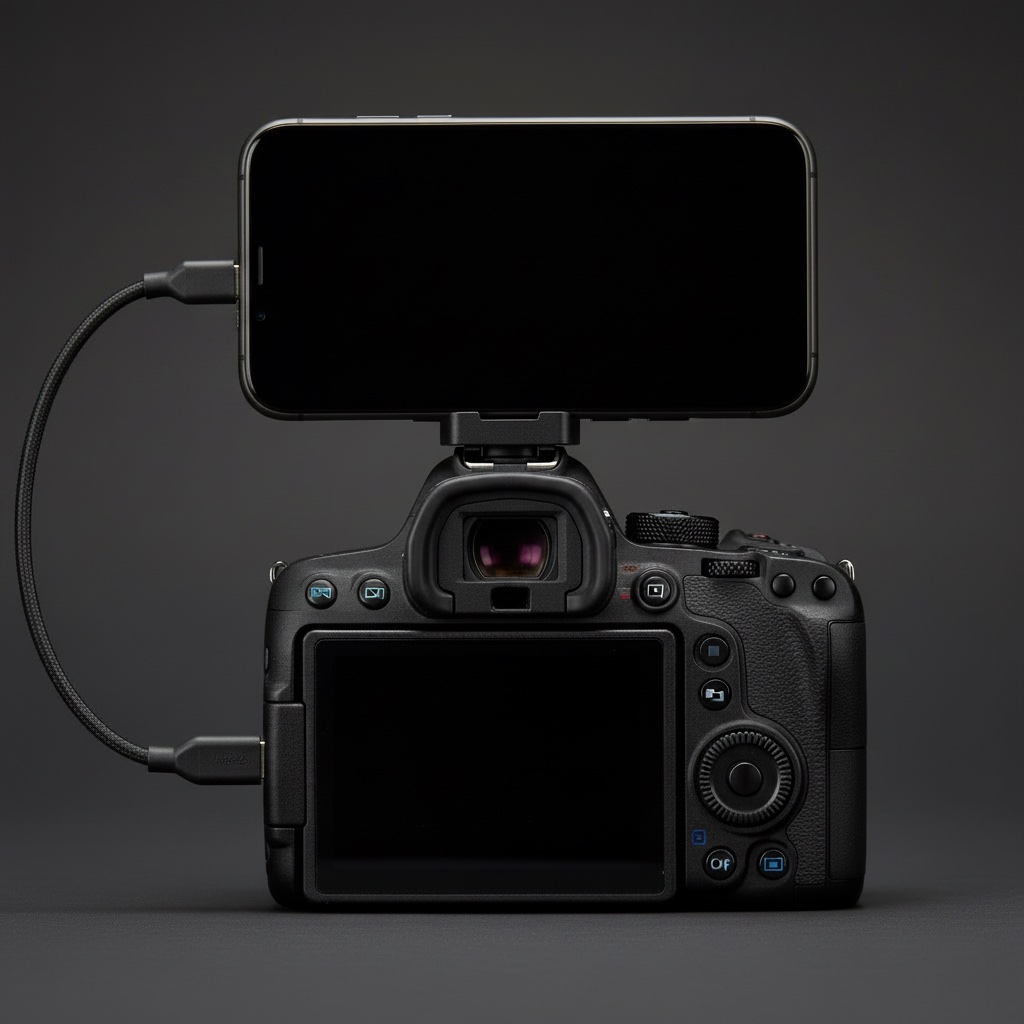
- The camera is tethered to your phone, so the shots are already there. (How that works.)
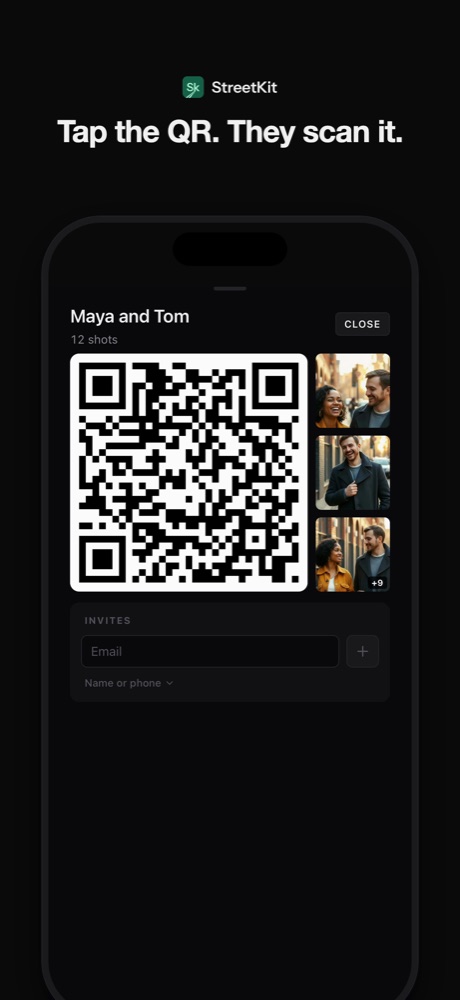
- Each person you stop has their own group. Maya and Tom, twelve shots.
- Tap the group's QR button. A code fills the screen.
- They open their camera app and point it at your phone. A link appears; they tap it.
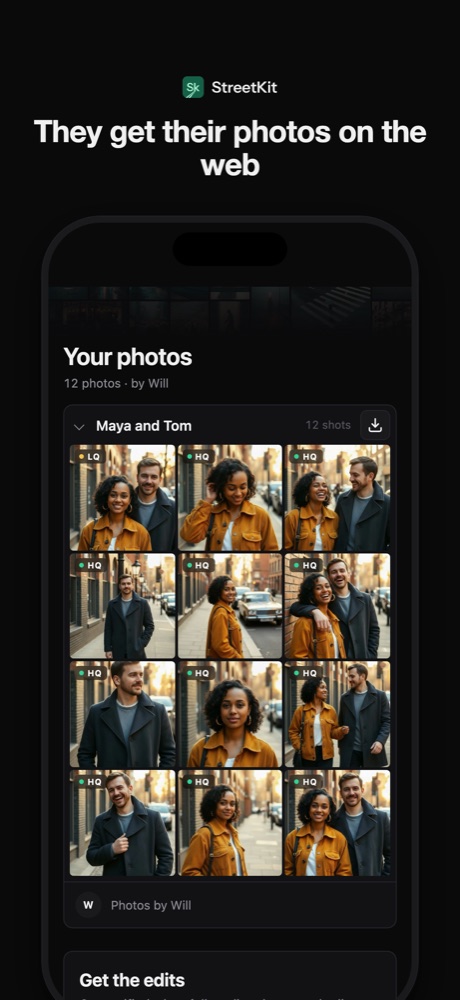
- A page opens with their photos. Previews within seconds, full-size files as they upload from your phone. Save to Photos on an iPhone, download on anything else.
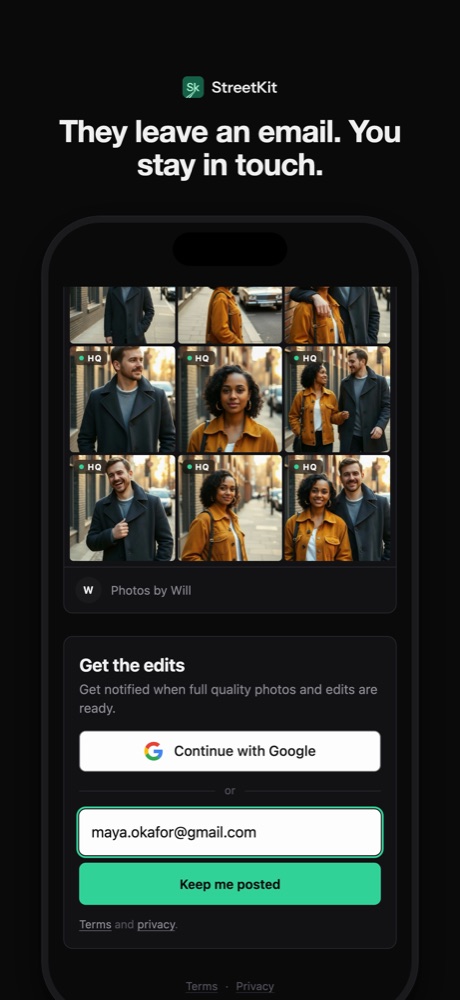
- If they want the edited versions, they leave an email on that page. You get a notification, and the email sits next to the photos it belongs to.
If you are not tethered
You can still do better than "I'll email you". Keep a card reader on the strap and AirDrop from the phone; it takes a minute and it is a minute well spent. Or take a quick phone photo of the camera's screen and text it there and then, as a placeholder, with the real file to follow. The point is that something lands on their phone before they walk away. The full version can come later; the proof that you meant it cannot.
About the edit
Hand over the straight-out-of-camera shot now. Do not hold it back for the edit. The unedited JPEG, on their phone, within the minute, is worth more to them than a perfect file next Thursday. Then, if they left an email, send the edit when it is done. Two deliveries, both kept.
Questions people ask
Do they need to install anything to get the photos?
With a QR code to a web page, no. Their camera app reads the code and the browser opens the page. That is the whole reason a web page beats an app for this.
What if they do not have a smartphone?
Then it is the old way: a card with your email on it, and a promise. Keep a few in the bag. It happens less every year.
Should I ask for their email before giving the photo?
No. Give first. A person who has the photo in hand and likes it will leave an email for the edit without being pushed. A person asked for an email before seeing anything is being sold to.
Keep reading
 Sharing photos
Share photos with a QR code: what the other person sees, and what you keep
What the code contains, what opens on their phone, and who can see what.
Sharing photos
Share photos with a QR code: what the other person sees, and what you keep
What the code contains, what opens on their phone, and who can see what.
 On the street
How to ask a stranger for a portrait (and what to say when they ask why)
What to say, word for word, the three seconds that decide it, and what to do with the no.
On the street
How to ask a stranger for a portrait (and what to say when they ask why)
What to say, word for word, the three seconds that decide it, and what to do with the no.
 Sharing photos
Same-day photo delivery: proofs on the spot, edits when they are ready
Two deliveries: proofs before they leave, edits by email when done. What it takes to do that tethered.
Sharing photos
Same-day photo delivery: proofs on the spot, edits when they are ready
Two deliveries: proofs before they leave, edits by email when done. What it takes to do that tethered.
 Canon and iPhone
How to tether a Canon to an iPhone over USB-C
The cable, the one camera menu that matters, and the two ways shots can land on the phone.
Canon and iPhone
How to tether a Canon to an iPhone over USB-C
The cable, the one camera menu that matters, and the two ways shots can land on the phone.