
Sharing photos
Your QR code on an Apple Watch: turn your wrist, they scan

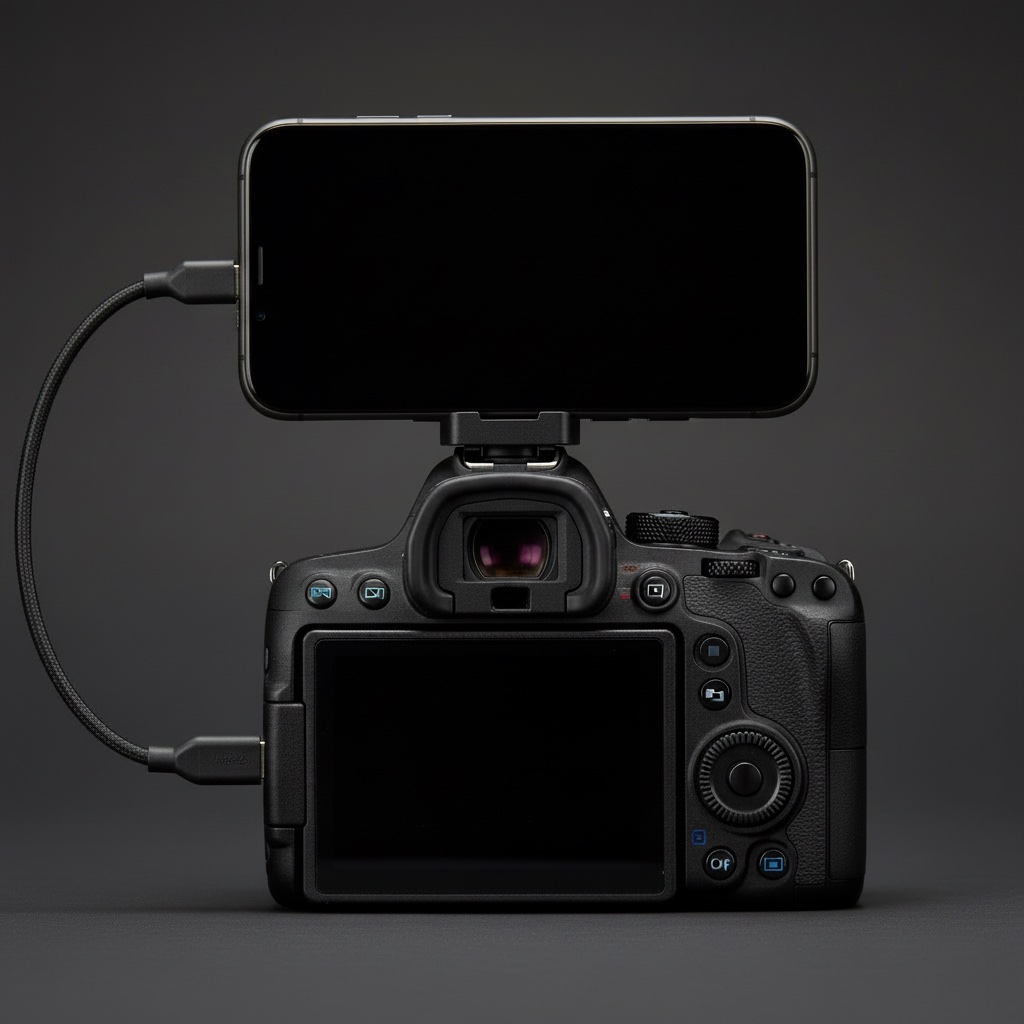
Once the iPhone lives on the camera's hot shoe, there is a small awkwardness: to show someone the QR code you turn a Canon with a phone on top toward their face. It works. It is also a bit much. The fix is to put the code somewhere you can offer without moving the camera at all.
What it does
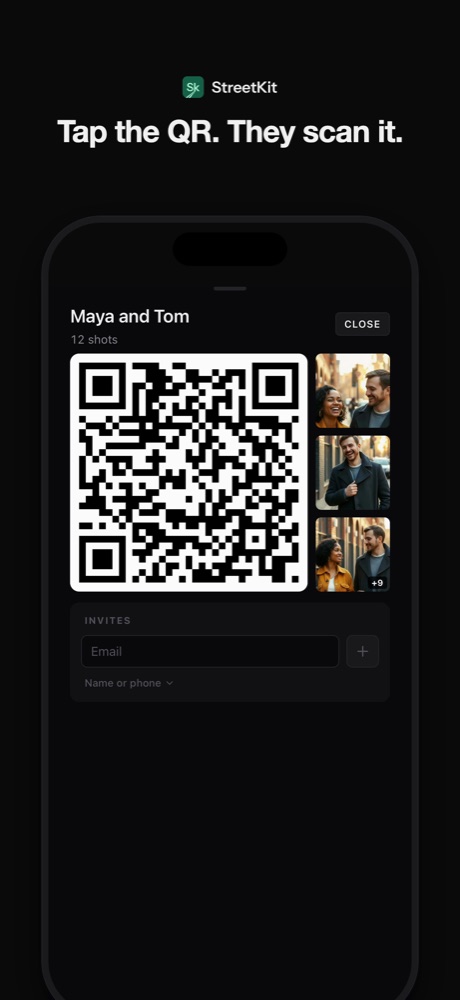
The StreetKit app on Apple Watch shows the QR code of the group you are shooting into. You finish the last shot, drop the camera to your side, turn your wrist, and they point their phone at the watch. The code opens the same page it would from the phone: their photos, previews first, full size as they upload.
The code on the watch is the current group's. Start a new group on the phone for the next person and the watch follows. There is nothing to tap on the watch beyond raising it.
What it needs
- An Apple Watch paired to the iPhone running StreetKit. The watch app installs with the iPhone app, or from the Watch app's list of available apps.
- The phone within Bluetooth range, which on a street with the phone on the camera is always.
- A group with a real share link, which means the phone is signed in. The code is generated on the phone and sent to the watch, so the watch itself needs no connection to anything else.
What it does not do
- It does not show the photos. A 45 mm screen is for a code, not a grid.
- It does not work without the phone nearby. The watch has no copy of the groups.
- It does not replace the phone's code. Both show the same link; use whichever is easier to offer.
Scanning a watch
Phone cameras read a QR code off a watch face easily at twenty to thirty centimetres. Two things help: brightness up on the watch, and holding still for a second. The chip "Open streetkit.app" appears on their screen, they tap it, done. If the watch dims before they find the code, raise your wrist again or tap the screen.
Why bother
Because the hand-over is the moment. Holding out a wrist is a small, friendly, ordinary gesture, the same one you use to pay for a coffee. Turning a camera rig toward someone is a production. The pictures are the same; the feeling of receiving them is not.
Questions people ask
Does the watch need cellular?
No. The code comes from the phone over the normal watch connection. Cellular on the watch is neither needed nor used.
Can I pick a different group on the watch?
Not in this version. The watch shows the group the phone is currently shooting into. Switch groups on the phone and the watch follows.
Will the code change if I take more shots?
No. The code is the group's link, and new shots appear on the same page. Someone who scanned after three shots sees all twelve when they look again.
Keep reading
 Sharing photos
Share photos with a QR code: what the other person sees, and what you keep
What the code contains, what opens on their phone, and who can see what.
Sharing photos
Share photos with a QR code: what the other person sees, and what you keep
What the code contains, what opens on their phone, and who can see what.
 Canon and iPhone
Mounting an iPhone on a camera hot shoe: the mount, the cable, the length
MagSafe cold-shoe mounts, which USB-C cable, how long, and keeping it out of the lens.
Canon and iPhone
Mounting an iPhone on a camera hot shoe: the mount, the cable, the length
MagSafe cold-shoe mounts, which USB-C cable, how long, and keeping it out of the lens.
 On the street
How to ask a stranger for a portrait (and what to say when they ask why)
What to say, word for word, the three seconds that decide it, and what to do with the no.
On the street
How to ask a stranger for a portrait (and what to say when they ask why)
What to say, word for word, the three seconds that decide it, and what to do with the no.