
Canon and iPhone
Canon "USB connection app": which setting to pick, and why the iPhone sees nothing

Every recent Canon EOS has a menu item called USB connection app, or Select USB connection app on older firmware. It decides what the camera pretends to be when a cable goes in. Pick the wrong one and an iPhone, a Mac or a tethering app will sit there seeing nothing, with no error anywhere.
Where it is
Wrench (set-up) menu, the page with Communication settings or Wireless settings. On the EOS R3 and R5 it is a sub-item under Communication settings. On the R8, R10 and R50 it sits on the set-up page directly. Canon's own manuals for the R10 and the R8 have the screenshots.
The options
| Option | What the camera does | Use it for |
|---|---|---|
| Photo Import / Remote Control | Plain PTP. The camera acts like a card reader that also announces new shots. iOS, macOS and Windows understand it without any Canon software. | The Photos app import, StreetKit, and most third-party tethering. |
| Canon app(s) for iPhone | A Canon-specific mode for Camera Connect and Canon's Mobile File Transfer over a cable. | Only when one of those Canon apps asks for it. |
| EOS Utility / Canon app(s) for computer | Canon's own protocol for the EOS Utility desktop software. | Tethering to a Mac or PC with EOS Utility, Lightroom or Capture One. |
| Auto (where offered) | Guesses. Usually right with a computer, often wrong with a phone. | Avoid it for an iPhone. |
For an iPhone and anything that is not a Canon app, the answer is Photo Import / Remote Control.
The other setting that silently blocks USB
Wi-Fi. On the R3 and a number of other bodies, a camera with Wi-Fi enabled will not serve pictures over the cable at all. The phone sees a device, asks nothing, shows nothing. Turn Wi-Fi off and Bluetooth off in Communication settings and plug in again. If you use Wi-Fi for something else, turn it back on when you are done. The camera remembers both states.
The iPhone shows nothing: the checklist
- Cable. Charge-only USB-C cables look identical to data cables. If the camera is not listed in Photos (Import tab) within ten seconds, change the cable before anything else.
- USB connection app is Photo Import / Remote Control.
- Wi-Fi and Bluetooth are off on the camera.
- Camera on first, then plug in. Some bodies do not announce themselves if the cable was already in when they woke.
- Accessory prompt. iOS can ask "Allow this accessory to connect?" the first time. If you tapped Don't Allow once, unplug and plug in again to get the question back.
Still nothing after all five? Open Photos, Import tab. If the camera appears there, the cable and the camera are fine and the problem is in the app you were trying. If it does not appear there, the problem is the cable, the mode or Wi-Fi, in that order.
What this means for shooting live
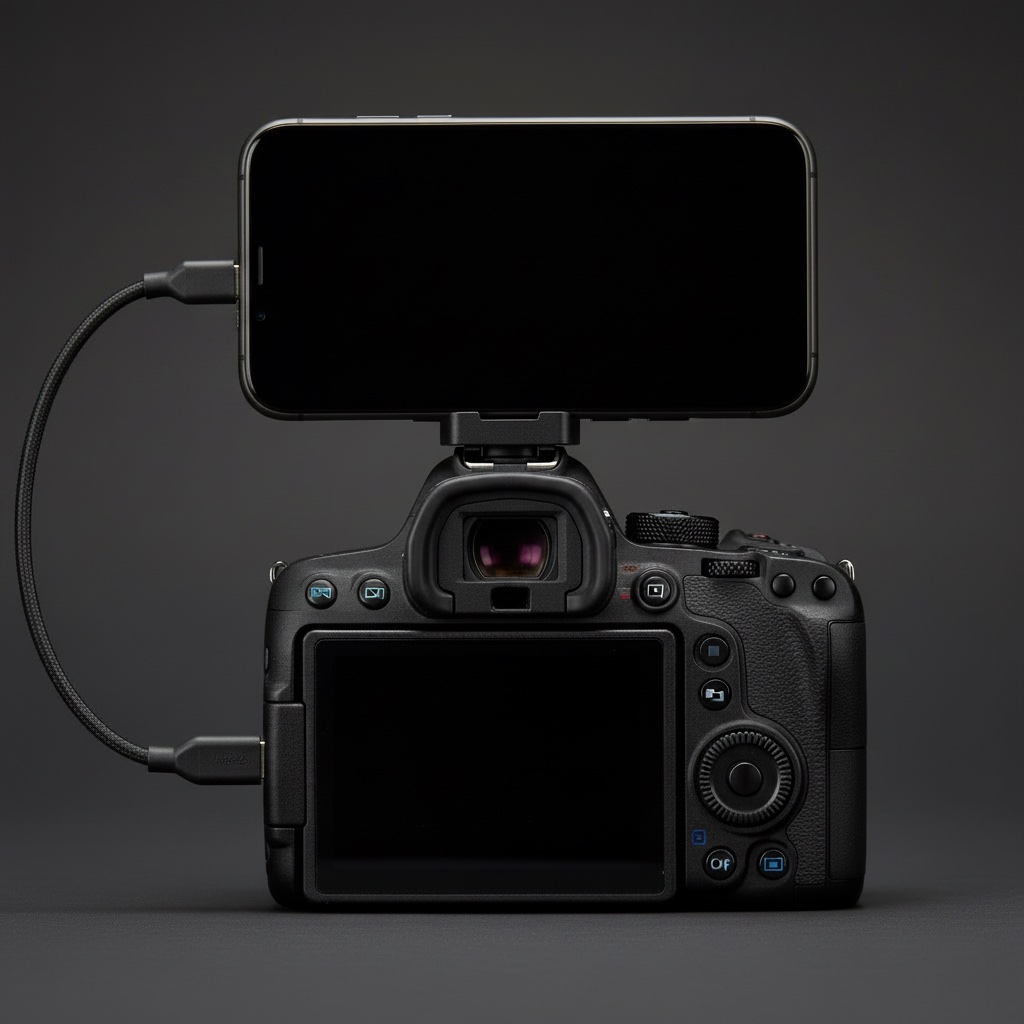
In Photo Import / Remote Control mode the camera keeps shooting as normal, and it tells the connected device about each new file as it is written. That is what lets an app pull each shot over as it is taken, instead of reading the card afterwards. StreetKit uses exactly that: the camera stays in the mode above, the phone sits on the hot shoe, and every shot lands on the phone while you are still talking to the person in it.
Questions people ask
Does the setting affect shooting when nothing is plugged in?
No. It only decides what the camera says to a cable. Shooting, the card and the menus are the same either way.
My camera has no USB connection app item at all.
Some older DSLRs and the EOS R100 have no wired phone mode. The R100 in particular cannot connect to an iPhone by cable, per Canon's manual. Wi-Fi through Camera Connect is the only option on those.
Can I leave Wi-Fi on and still use the cable?
On some bodies yes, on the R3 no. If USB is unreliable, turning Wi-Fi off is the first thing to try.
Keep reading
 Canon and iPhone
How to tether a Canon to an iPhone over USB-C
The cable, the one camera menu that matters, and the two ways shots can land on the phone.
Canon and iPhone
How to tether a Canon to an iPhone over USB-C
The cable, the one camera menu that matters, and the two ways shots can land on the phone.
 Canon and iPhone
Which Canon cameras connect to an iPhone over USB
EOS R3, R5, R6, R8, R50 and the rest: which bodies talk to an iPhone over a cable.
Canon and iPhone
Which Canon cameras connect to an iPhone over USB
EOS R3, R5, R6, R8, R50 and the rest: which bodies talk to an iPhone over a cable.
 Canon and iPhone
Canon EOS R3 to iPhone over USB-C: the settings that work on the street
The exact menu settings on the R3, from a camera that has been walked around with a phone on it.
Canon and iPhone
Canon EOS R3 to iPhone over USB-C: the settings that work on the street
The exact menu settings on the R3, from a camera that has been walked around with a phone on it.