Canon's own
Canon Camera Connect
Canon-supported remote shooting, camera browsing and selected transfers.
- Free
- Wi-Fi and Bluetooth; wired options on supported bodies
- Depends on a Wi-Fi session

Canon and iPhone
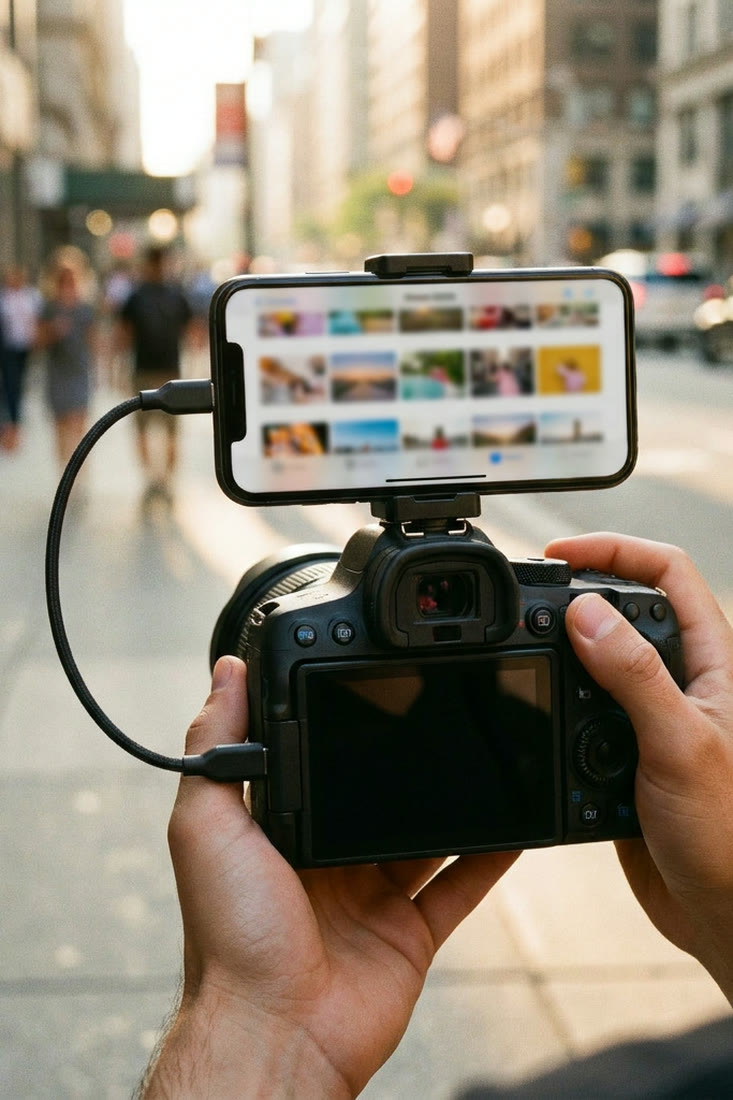
Five options
Canon Camera Connect is not the wrong app. An alternative makes sense when the photographer needs a different job done.
A Canon Camera Connect alternative for iPhone makes sense when the job is deeper tethered control, an automated receiving workflow, a simple card import, or a gallery handed over by QR code. Camera Connect itself is Canon's free general-purpose companion for supported cameras, and the Camera Connect app guide explains its features and setup.
Canon-supported remote shooting, camera browsing and selected transfers.
Reliable manual import after shooting.
Remote control, tethering, automation, RAW work and multi-brand camera support.
Receiving photos into a watched iPhone or iPad collection during a shoot.
New Canon shots grouped and handed to people through a QR code gallery.
Keep Canon's app when the main job is supported wireless remote shooting, live view, browsing the camera card, or selecting a few files to save. Canon controls the camera integration and documents setup model by model.
Cascable is the broadest camera-control option in this list. Its own site describes:
| Connection | What Cascable describes |
|---|---|
| USB | Remote control and tethering for supported Canon EOS, Nikon and Sony cameras |
| Wi-Fi or Ethernet | Control across more brands |
| Any | Automation, photo review, storage links and RAW handling |
Choose Cascable when camera control, live view, automation or a flexible capture destination matters more than delivering a separate gallery to people at the shoot.
Check the product's current setup guide for the exact camera or transmitter, because the sender determines what can be automated.
Choose it when the core need is an established wireless ingest and review station, especially when the camera already has a working transfer configuration.
A reader is the least app-specific option.
Choose a reader when certainty and a simple manual import matter more than seeing photos arrive during the shoot.
StreetKit is built for the handoff. The photographer shoots on a supported Canon, each new shot syncs to the iPhone, and photos stay grouped for the people being photographed.
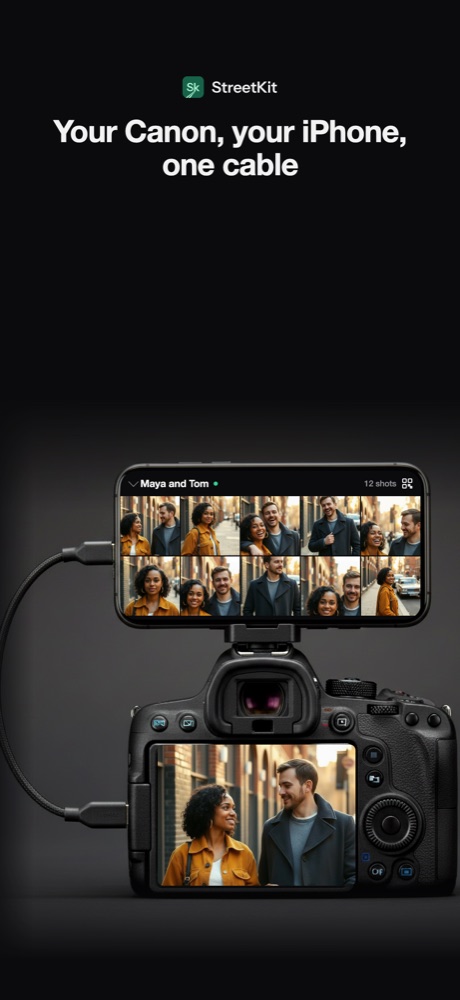
1Each new shot syncs to the iPhone.
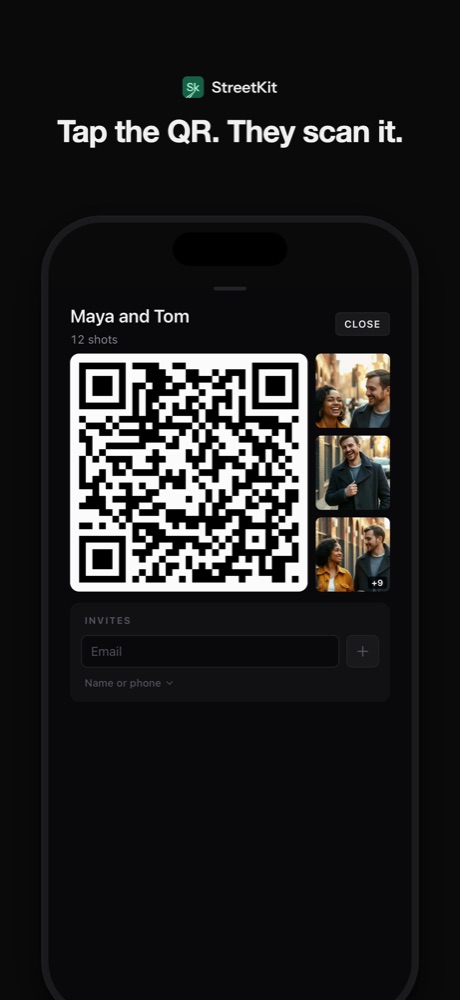
2Show that group's QR code.
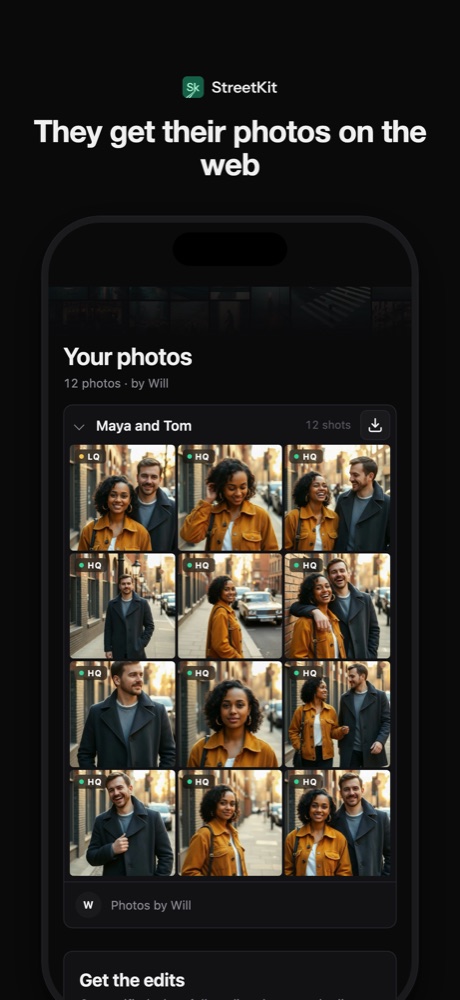
3A live gallery, handed over on the spot.
Choose StreetKit for street portraits, events and other shoots where delivery and matching photos to people are the hard part.
Apple Photos can import from a connected camera or card reader without a separate paid camera app. It is a manual import workflow, not remote camera control.
Cascable Studio advertises remote control for supported cameras over USB, Wi-Fi or Ethernet. Camera support and available controls vary, so check Cascable's compatibility page for the exact body.
StreetKit creates a QR code gallery from the photographer's own new camera shots. A guest scans the code and the gallery opens in the browser.
 Canon and iPhone
Canon Camera Connect app for iPhone: what it does and how to use it
A plain guide to downloading, pairing and using Canon Camera Connect on an iPhone.
Canon and iPhone
Canon Camera Connect not working on iPhone: fixes in order
Start with the symptom, fix the matching iPhone or camera setting, and reset pairing only when needed.
 Sharing photos
Event photography QR codes: hand over a live gallery on the spot
A QR workflow for the professional camera photos, from capture through gallery handoff.
 Canon and iPhone
Which Canon cameras connect to an iPhone over USB
EOS R3, R5, R6, R8, R50 and the rest: which bodies talk to an iPhone over a cable.