StreetKit home
Recommended hardware
The gear we shoot StreetKit with: a mount that puts the iPhone on the camera's hot shoe, and a short USB-C cable from the camera to the phone. That is the whole rig. Links go to Amazon.
The mount
The phone sits in landscape on the hot shoe, so you see every shot land without taking your eye off the street, and you can turn the camera round to show someone their QR code.
Recommended
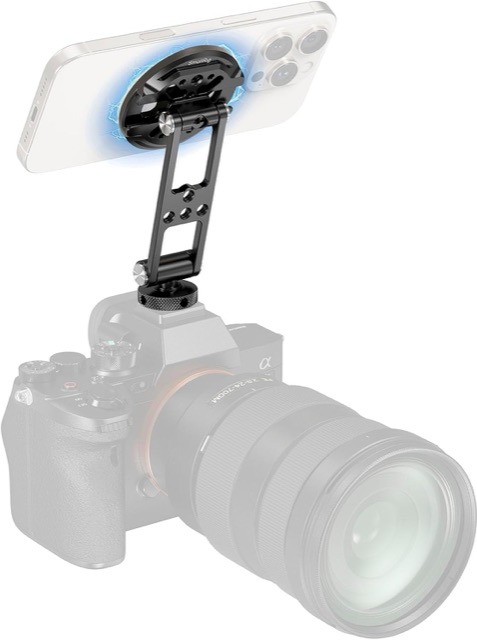
SmallRig 5156 Magnetic Phone Mount
For iPhone 12 or later with MagSafe
This is the one we use. A metal MagSafe plate on a ball head with a cold shoe foot. The phone snaps on and off in a second, the ball head tilts it toward you, and it holds through a walk. Use a MagSafe case, or no case.
View on Amazon
Without MagSafe
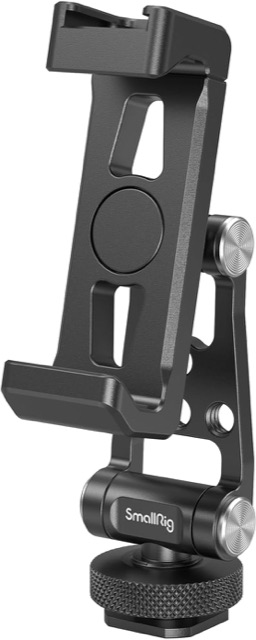
SmallRig 4382 Universal Phone Holder
For any phone, or a case that blocks MagSafe
A spring clamp on a cold shoe foot. It grips the phone by its edges, so it works with a thick case or a phone without magnets. Slower to put the phone in and take it out than the magnetic one, but just as steady once it is on.
View on Amazon
The cable
USB-C to USB-C, rated for data, and short. A charge-only cable powers the camera and nothing else, so the camera never shows up. Both of these carry data, and both are what we carry. Pick the length that fits your camera.
6 inch
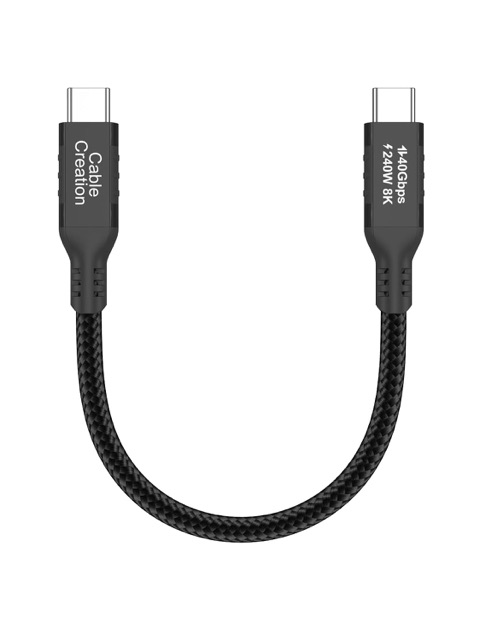
USB4 USB-C to USB-C cable, 0.5 ft
The tidiest loop on most bodies
Just long enough to reach from the camera's side port up to the phone on the hot shoe, with nothing left over to swing in front of the lens. Braided, so it takes being bent every day.
View on Amazon
1 foot
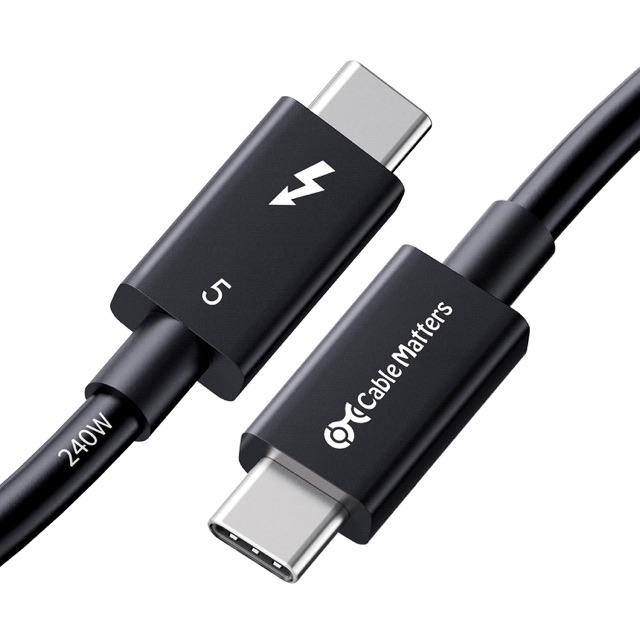
Cable Matters Thunderbolt 5 cable, 1 ft
A little slack, for bigger bodies or a battery grip
Room for a loop tucked under the mount, so the plug never pulls tight when you swing the phone round. Intel certified, from a brand that labels its cables honestly.
View on Amazon
Already have a cable? Try it first. Plug the camera into the iPhone and open Photos. If an Import tab shows up, the cable carries data and it will work with StreetKit.
Setting it up
How to route the cable, why landscape, and what the extra weight feels like: Mounting an iPhone on a camera hot shoe. The camera settings are in How to tether a Canon to an iPhone over USB-C.
We picked these because we use them. StreetKit is not affiliated with SmallRig, Cable Matters or Amazon, and we earn nothing from these links. Prices and stock are on Amazon.