The Canon option
Canon Camera Connect
Supported remote shooting, camera browsing and selected transfers.
- Live view and remote shutter control
- Browses what is already on the card
- Built around a Wi-Fi connection session

Canon and iPhone

Free
Canon's companion app for supported Canon cameras, on iPhone and iPad.
Canon Camera Connect is Canon's free iPhone and iPad companion app for supported Canon cameras. It lets the photographer browse and save camera images, shoot remotely with live view, and use extra functions that vary by camera. Get the real app from Canon Inc. on the App Store.
The main connection is Wi-Fi, either directly between the camera and iPhone or through a wireless router. Bluetooth makes pairing and reconnection easier on cameras that support it.
| Function | What Canon documents |
|---|---|
| Browse, transfer and save photos and supported videos | Open Images on camera, choose files, and save the files to the iPhone. |
| Shoot remotely with live view | See the camera view on the iPhone, change supported settings, and release the shutter. |
| Transfer images automatically | Supported cameras can send images to the phone without selecting each one. |
| Add location information | Supported cameras can use location data from the iPhone. Continued GPS use can reduce phone battery life. |
| Use a Bluetooth remote release | On supported Bluetooth cameras, the app can release the shutter without opening a live view session. |
| Transfer current firmware | Supported cameras can receive camera or lens firmware through the app. |
If pairing, Wi-Fi or permissions stop the connection, follow the Camera Connect fixes in order.
Camera Connect supports selected EOS, PowerShot and Canon video cameras. Compatibility is not one yes-or-no list, because each model has its own supported functions, connection methods and file limits.
For a separate list of bodies that connect directly to an iPhone for StreetKit or Photos, see which Canon cameras connect to an iPhone over USB.
No. Canon Camera Connect is a phone and tablet app, not a Windows or macOS application.
Canon says EOS Utility can download and display images, shoot remotely, and control camera settings. Download it from the support page for the exact camera and operating system.
Bluetooth supports pairing and selected remote functions, but image browsing and live view move to Wi-Fi.
If the job is importing card contents through a direct connection, Apple Photos is another route described in the Canon to iPhone tether guide.
Supported remote shooting, camera browsing and selected transfers.
With a supported camera connected directly to the iPhone, each new shot syncs while the app is open and ready.
The Camera Connect alternatives guide compares that job with other routes.
Yes. Canon Inc. lists Camera Connect as a free app on the App Store.
Yes, with a supported Canon camera. The current US App Store listing requires iOS 18.0 or later. Camera and feature support vary by model.
No. Camera Connect is for phones and tablets. Canon provides EOS Utility for compatible EOS cameras on Windows and macOS.
Selected EOS, PowerShot and Canon video cameras are compatible. Use Canon's official Camera Connect compatibility list for the exact model and feature because support varies by camera.
Canon documents wired image transfer for only some models. USB support is not universal and does not replace every Wi-Fi feature. Check Canon's compatibility list for the exact camera.
Canon and iPhone
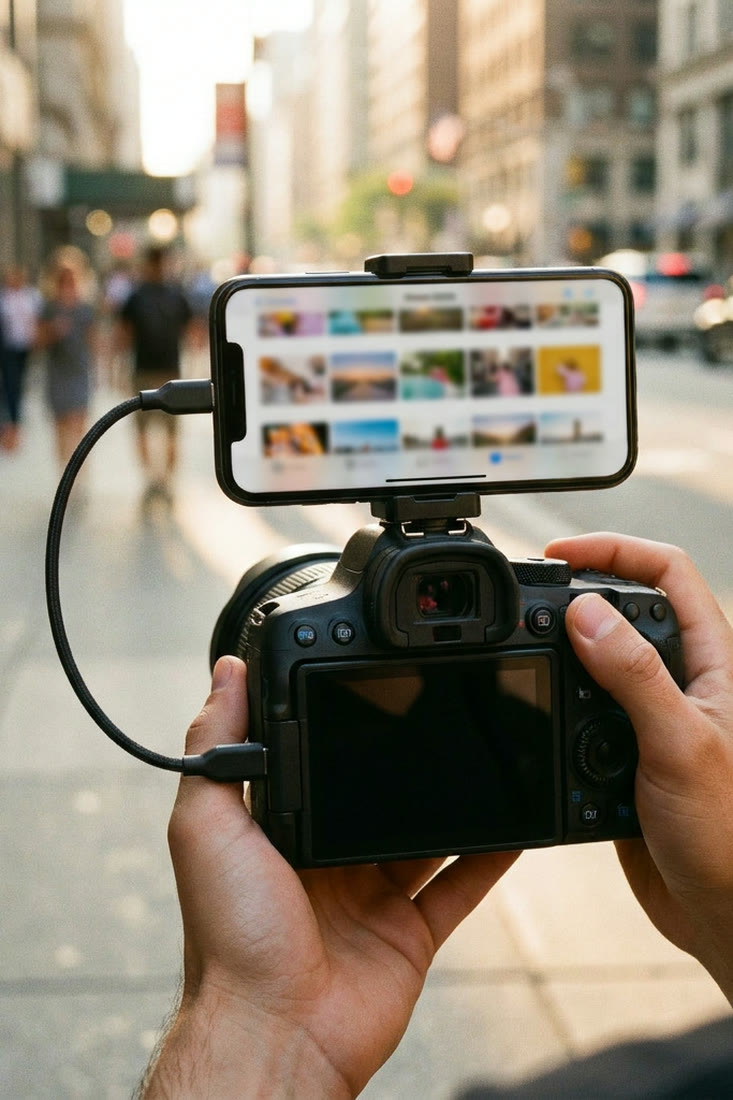
Canon Camera Connect not working on iPhone: fixes in order
Start with the symptom, fix the matching iPhone or camera setting, and reset pairing only when needed.
 Canon and iPhone
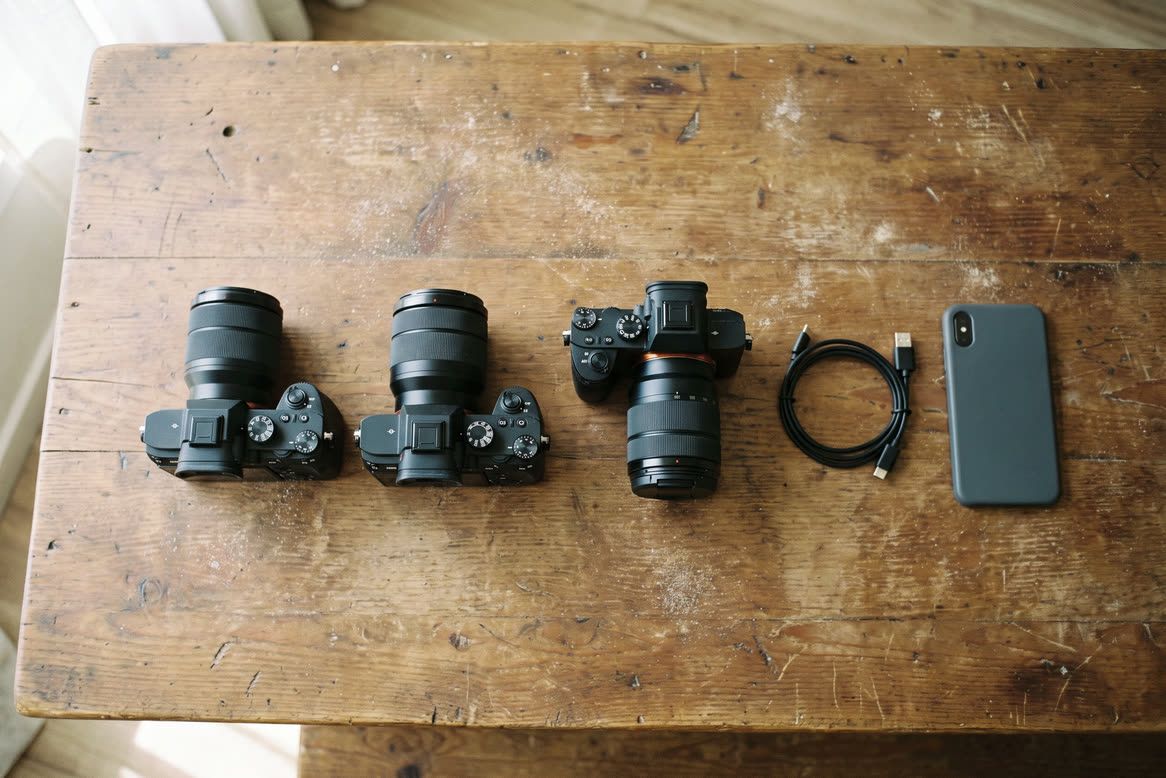
Canon Camera Connect alternatives for iPhone
Five real options, organized by the photography job each one does best.
 Canon and iPhone
Which Canon cameras connect to an iPhone over USB
EOS R3, R5, R6, R8, R50 and the rest: which bodies talk to an iPhone over a cable.
Canon and iPhone
How to tether a Canon to an iPhone over USB-C
The cable, the one camera menu that matters, and the two ways shots can sync to the phone.