Event photography QR codes: hand over a live gallery on the spot
November 10, 2026 · 3 min read
The code opens the photographer’s gallery. The photos come from the photographer’s Canon, not guest phones.
Two kinds of code
One asks attendees to add phone photos. The other opens the professional camera gallery.
Guest-upload codeAttendees add phone photos
Delivery codeStreetKit: the photographer's own shots
One gallery or severalDecide before the day
An event photography QR code can collect phone photos from guests or open the photographer's own gallery. StreetKit is the second kind: the photographer's Canon shots, organized and shared while the event is still happening.
Decide what the code promises
Guest-upload code
Asks attendees to add phone photos.
A communal album of guest contributions
A different product from the photographer's delivery gallery
While the event is on
StreetKit delivery code
Opens the professional camera gallery.
The photographer's own Canon shots
Organized and shared during the event
Put one clear sentence beside the code.
On the sign
Scan to view and download the photographer's photos.
Do not call it a guest photo upload if attendees cannot contribute. A precise sign prevents people from opening the page and looking for an upload button that is not there.
One gallery or several?
A single event gallery
Every attendee may see the same set.
Easy to print on a sign
Works for a public activation, step-and-repeat or party
Separate groups
Each person should receive a smaller, relevant set.
Better for portraits, couples, families or tables
For a wedding, decide this before the day
A reception-wide galleryOne printed code
Portrait stations and quick guest portraitsSeparate groups, shown from the photographer's phone
The live Canon workflow
Create the event or first guest groupIn StreetKit.
Connect a supported CanonWait for the ready indicator.
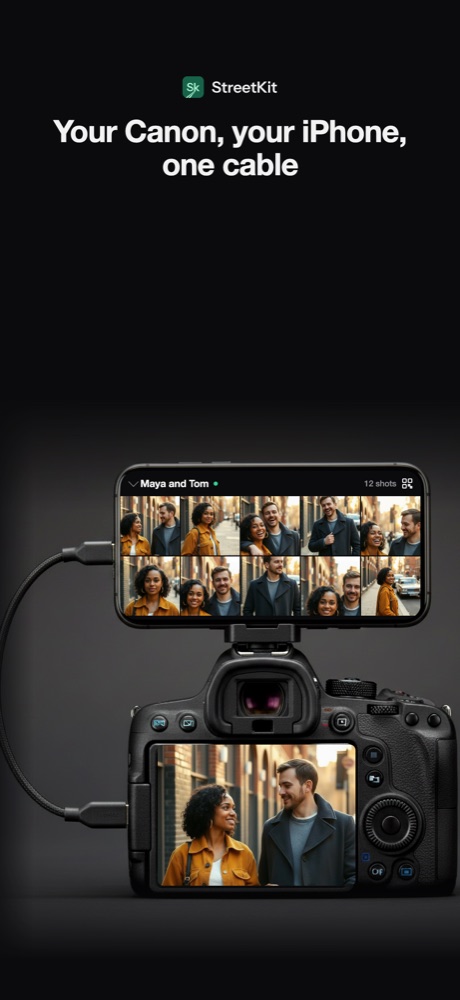
Shoot normally with the cameraEach new shot syncs to the active group.
Start a new groupWhen the people or delivery audience changes.
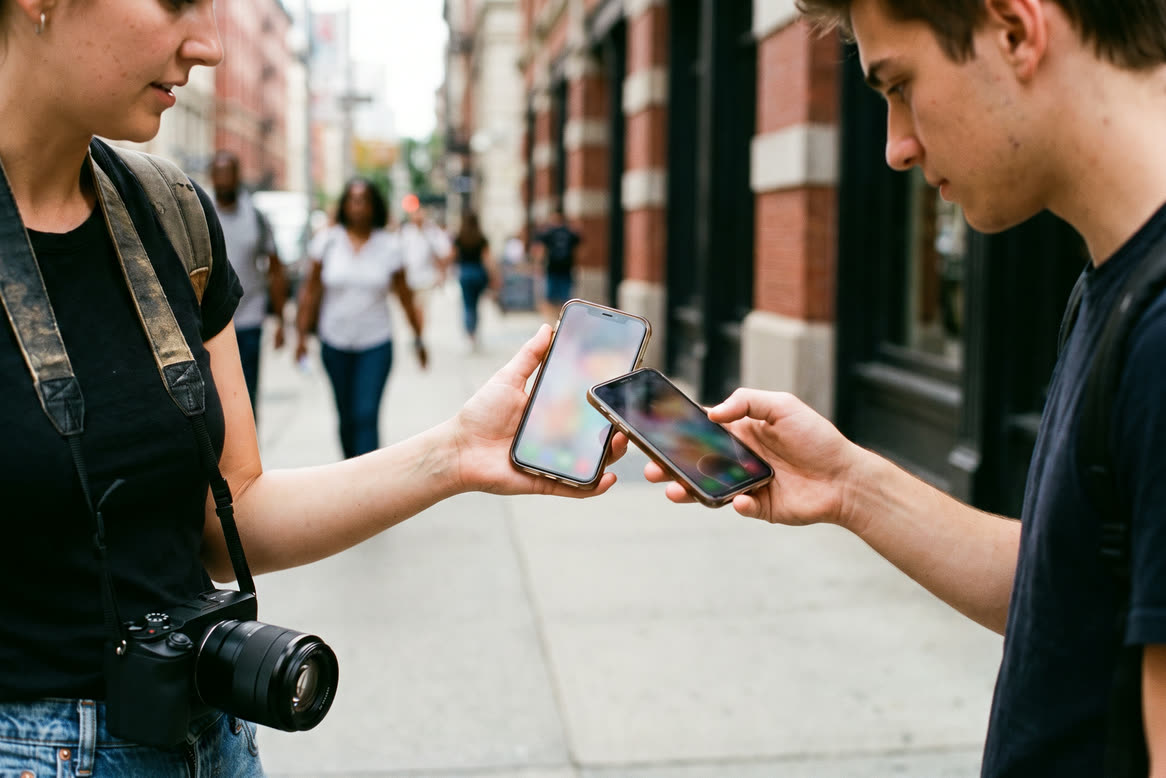
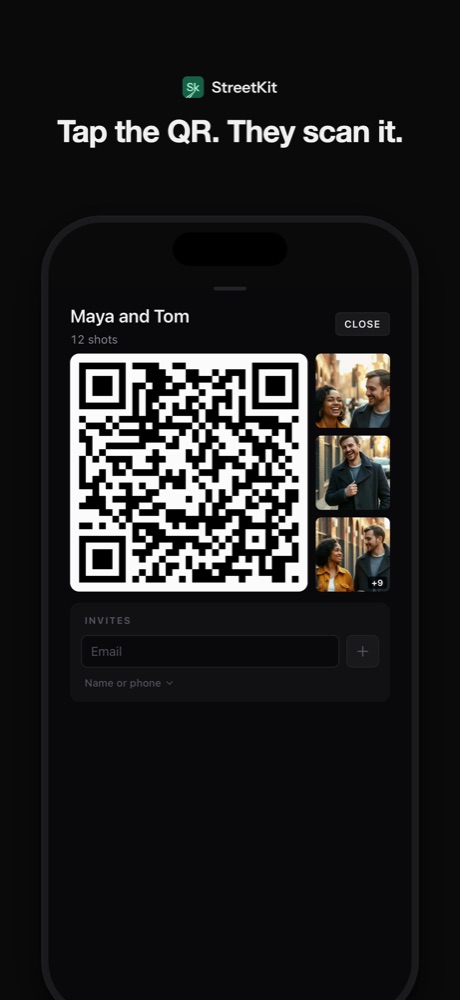
Open the group QR codeThe people photographed scan it with the iPhone camera and open the gallery.
1Each new shot syncs to the active group.
2Open the group QR code.
3The gallery opens on the phone that scanned.
Plan for venue internet
A live web gallery needs the iPhone to upload. Test the actual ballroom, venue corner or outdoor site before guests arrive.
Do
Take and open a real test gallery from a second phone
Check the place where the photographer will stand, not only the lobby
Keep the camera card. A delayed upload should never be the only copy.
Use a short, clear group name that makes sense on the gallery page
Do not rely on
A strong signal icon. Venue Wi-Fi can be crowded even when it looks strong.
Cellular everywhere. It may be better, but coverage also varies by room.
Where to put the QR code
One shared event galleryPrinted near the portrait setup, exit or print pickup point
Private groupsFull screen on the photographer's iPhone or Apple Watch, not one printed public code
Make a printed code large enough to scan without leaning over a table.
What StreetKit adds
Shots syncWhile the photographer keeps shooting
GroupsOne person or one party together
QR codeNo typing an email address
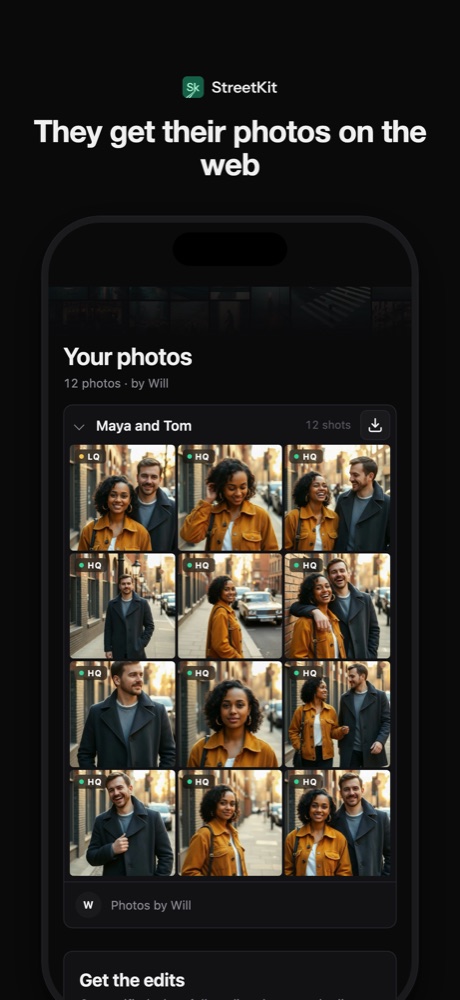
GalleryDuring the event
The QR code removes the typing during a short portrait interaction. Full-size files follow as uploads complete.
The gallery is the photographer's own shots. If the event also wants a communal guest-upload album, run a product designed for guest contributions alongside the delivery gallery.
A wedding-specific boundary
Useful for
Previews
Portrait-station photos
Quick guest delivery
Does not replace
The photographer's contracted final gallery
Selection and editing
Backup and the delivery process
Set that expectation in the sign and in the couple's plan.
Questions people ask
Is StreetKit a guest-upload app?
No. StreetKit shares the photographer's own camera shots. Attendees do not add phone photos to the gallery.
Can a wedding photographer use one printed QR code?
Yes for one gallery that all invited viewers may open. Use separate groups and private on-screen codes when different people should receive different sets.
Does the QR code gallery replace final wedding delivery?
No. It works for live previews and on-the-spot sharing. The photographer's final edited gallery, backup and contracted delivery remain separate.

 Sharing photos
Same-day photo delivery: proofs on the spot, edits when they are ready
Two deliveries: proofs before they leave, edits by email when done. What it takes to do that tethered.
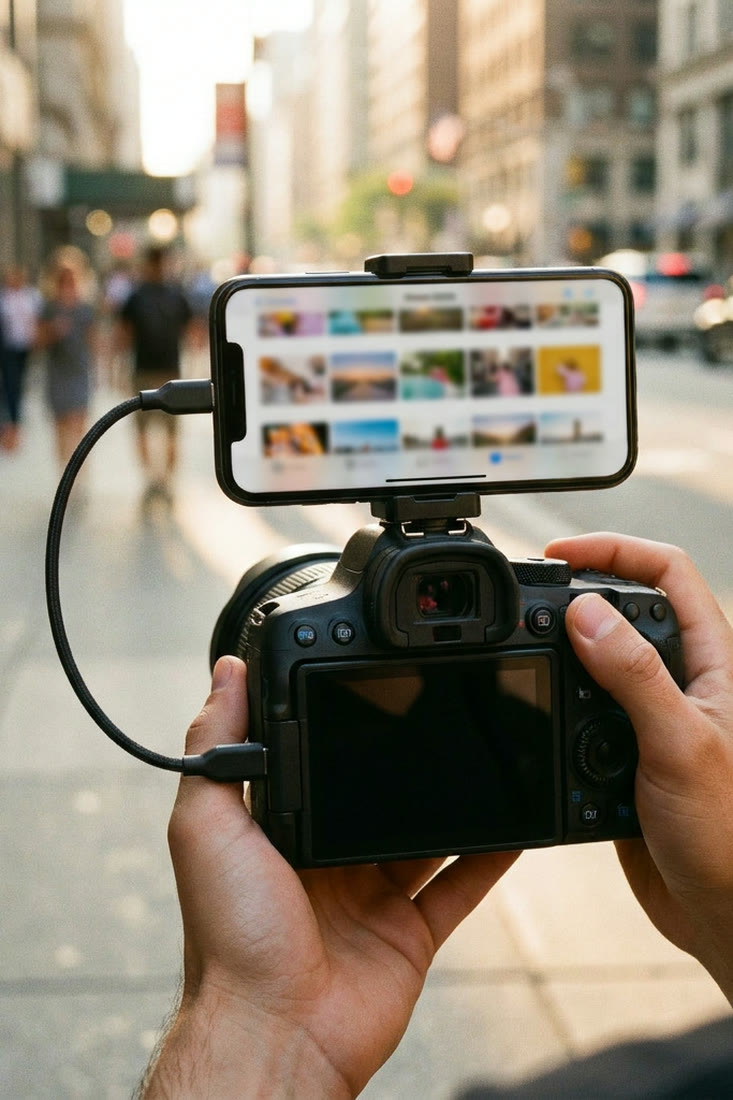 Canon and iPhone
Canon Camera Connect alternatives for iPhone
Five real options, organized by the photography job each one does best.