After the walk
Canon Camera Connect
Choose a few photos from the card over Wi-Fi.
- Nothing extra to carry
- Fine for a handful of photos
- Wi-Fi pairing each time
- You pick every photo by hand

Canon and iPhone
Yes
Three ways move photos from a Canon to an iPhone. Pick by when you need the photos.
Yes, you can transfer photos from a Canon to an iPhone. Use Canon Camera Connect for a few photos over Wi-Fi, the iPhone Photos app for a wired import from the card, or StreetKit to sync each new JPEG while you are shooting.
Choose a few photos from the card over Wi-Fi.
Copy a batch from the card into the Photos app.
Each new photo syncs to the iPhone as you take it.
It makes sense when the camera is already in the bag and you want a handful of photos for a message or a post. The trade-off is interruption: the phone leaves your usual network and you select every photo by hand.
If pairing is the part that keeps failing, the Canon Camera Connect troubleshooting guide works through permissions, saved networks, and camera settings in order.
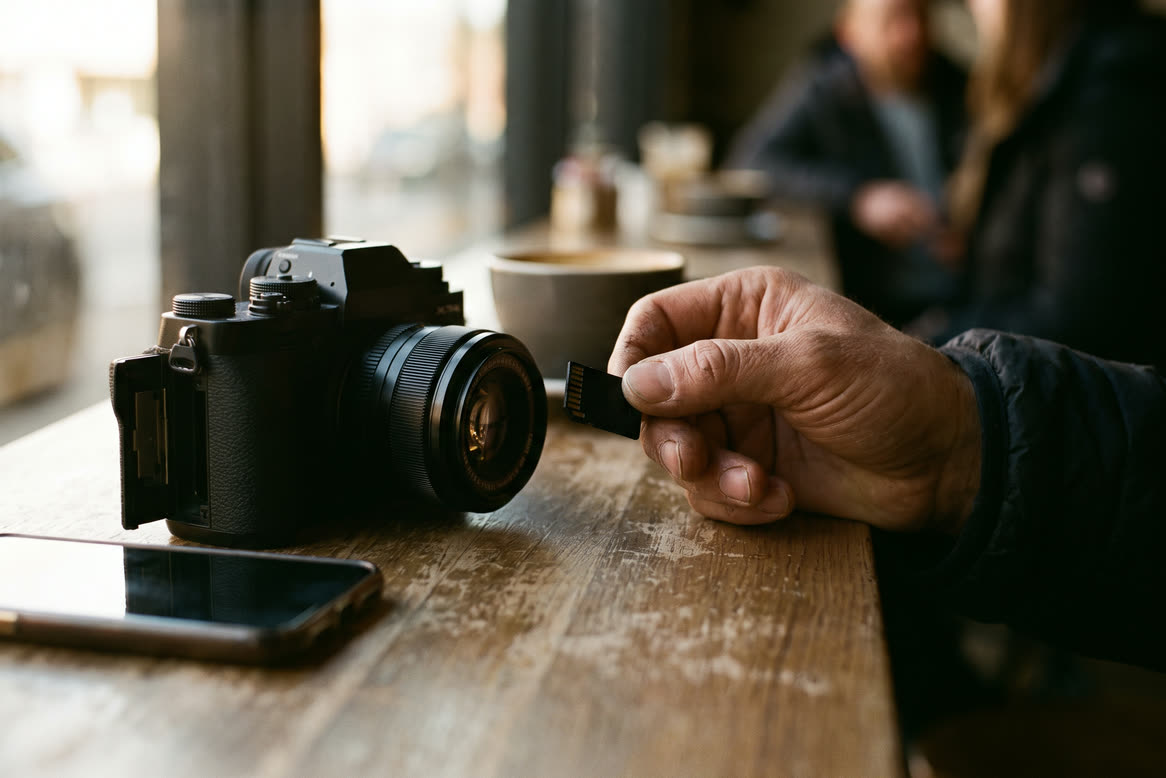
A recent Canon can appear directly in the iPhone Photos app. No pairing and no extra app.
The exact camera menu varies. The USB connection app guide shows what the Canon choices mean, and the camera compatibility guide lists which bodies work.
StreetKit is for a different moment: the person you photographed should see the result before leaving. Keep a supported Canon connected to the iPhone and shoot normally.
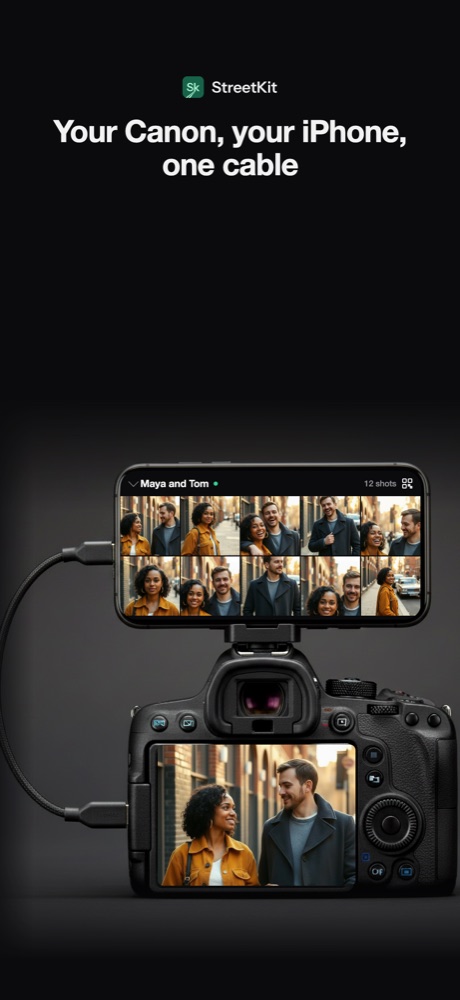
1Each new photo syncs into the group.
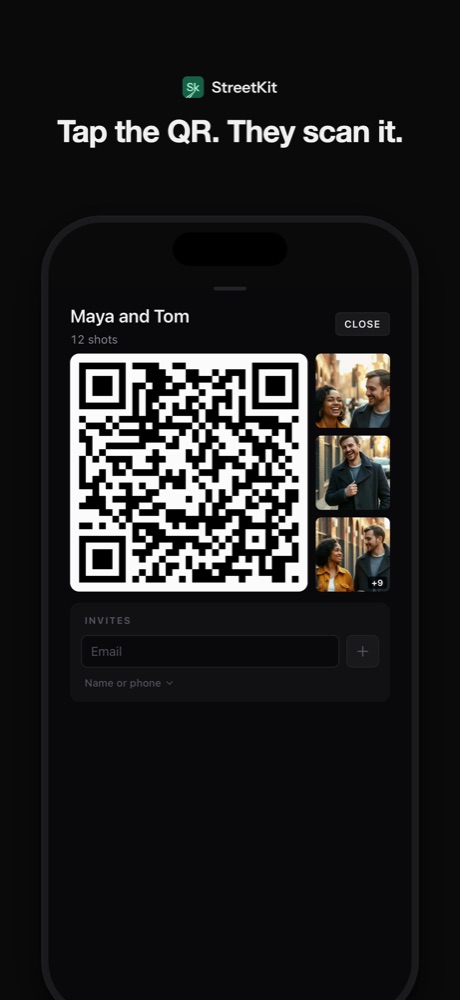
2Show Maya and Tom the QR code.
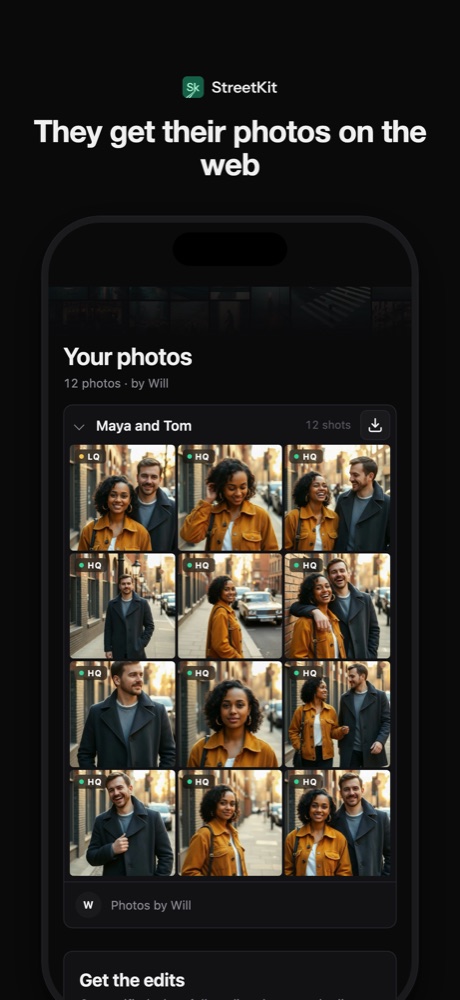
3The gallery opens on Maya's phone.
Bursts arrive one file at a time, so the phone can trail the camera briefly. JPEG and HEIF have previews; a Canon CR3 file can be retained without one. The RAW, JPEG, and HEIF guide explains the recording choices.
| iPhone | Connection | What works |
|---|---|---|
| iPhone 15 or newer | USB-C data cable to a recent EOS R body | Photos import and StreetKit |
| Lightning iPhone | Apple's camera adapter | Photos import. Live transfer is tested on iPhones with USB-C. |
| Check | What happens | Fix |
|---|---|---|
| File type | A RAW-only camera gives an iPhone less to display. | Record JPEG or HEIF beside RAW. |
| Timing | Live transfer only sees photos taken after the connection is ready. | Import the earlier photos through Photos. |
| Camera model | Recent EOS R bodies do not all have identical menus. | Verify support body by body, not by the shape of the port. |
Yes. On a compatible camera, connect it to the iPhone and use the Import view in Photos. StreetKit also uses a wired connection for new photos taken while the camera is ready.
With StreetKit and a supported Canon, yes. New JPEG or HEIF files sync one at a time while the connection is ready. Photos import and Camera Connect are better treated as selection or batch workflows.
No. Support depends on the body and connection mode. Canon says the EOS R100 cannot use a cable to connect to an iPhone, while several recent EOS R bodies document Photo Import / Remote Control. Check the compatibility guide before buying a cable for this purpose.
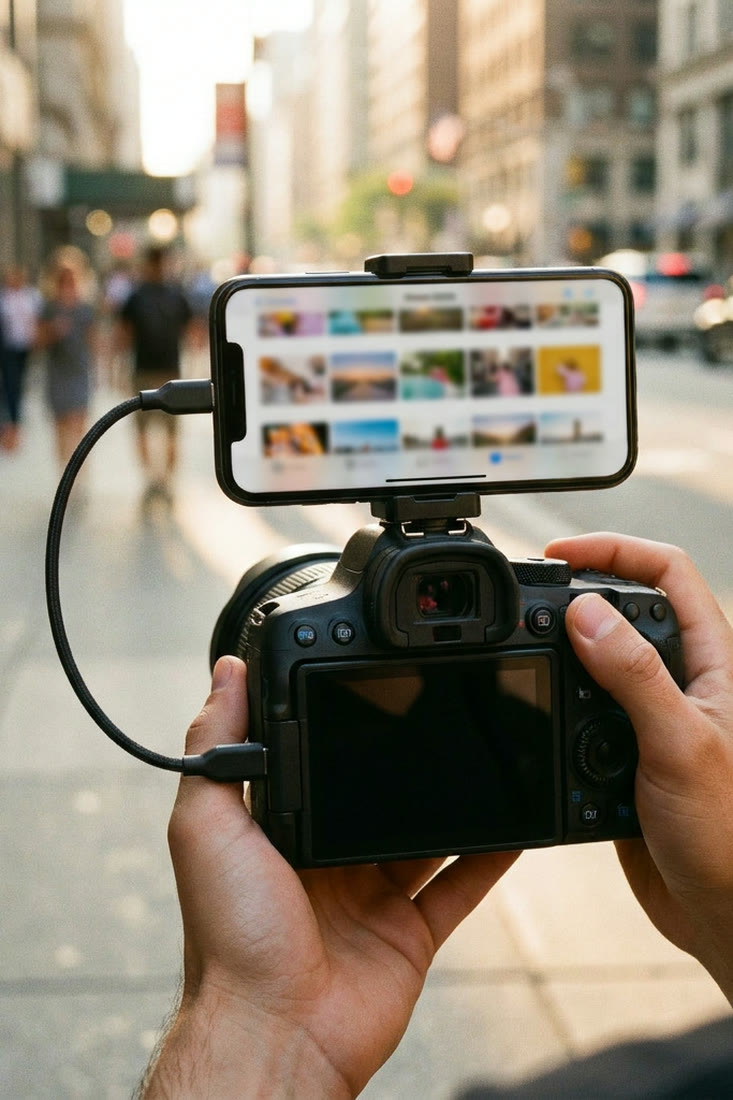 Canon and iPhone
How to tether a Canon to an iPhone over USB-C
The cable, the one camera menu that matters, and the two ways shots can sync to the phone.
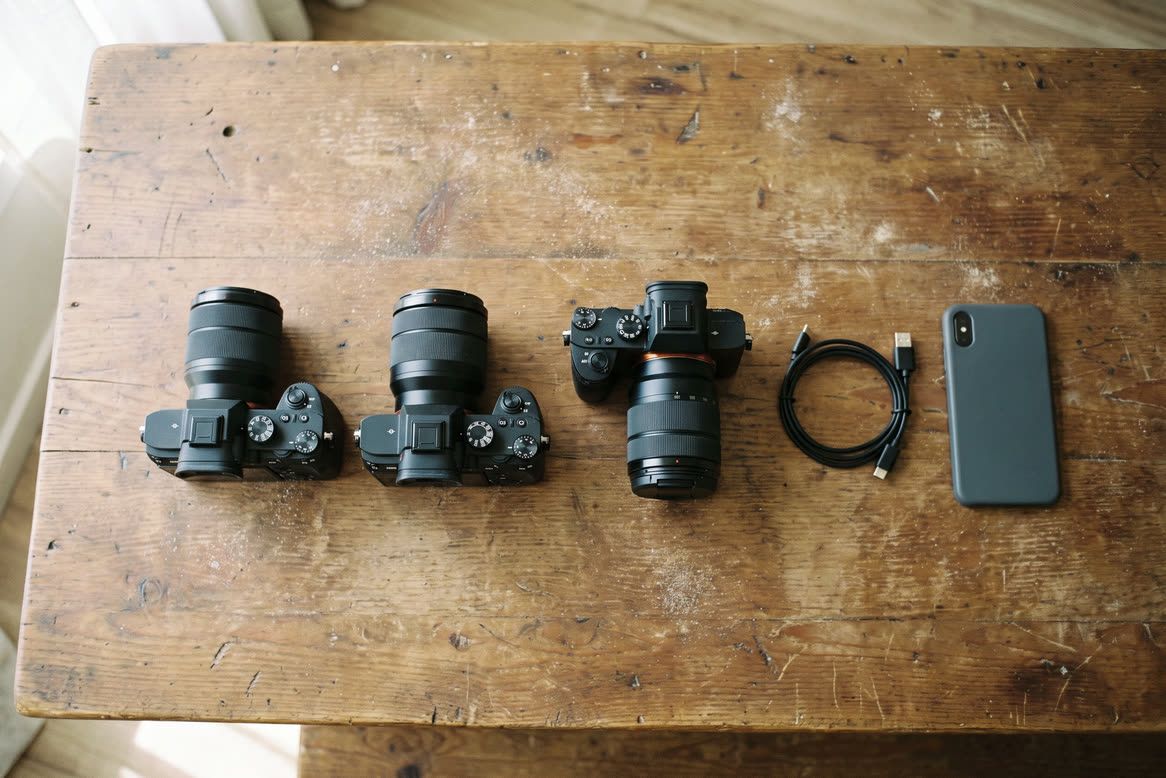 Canon and iPhone
Which Canon cameras connect to an iPhone over USB
EOS R3, R5, R6, R8, R50 and the rest: which bodies talk to an iPhone over a cable.
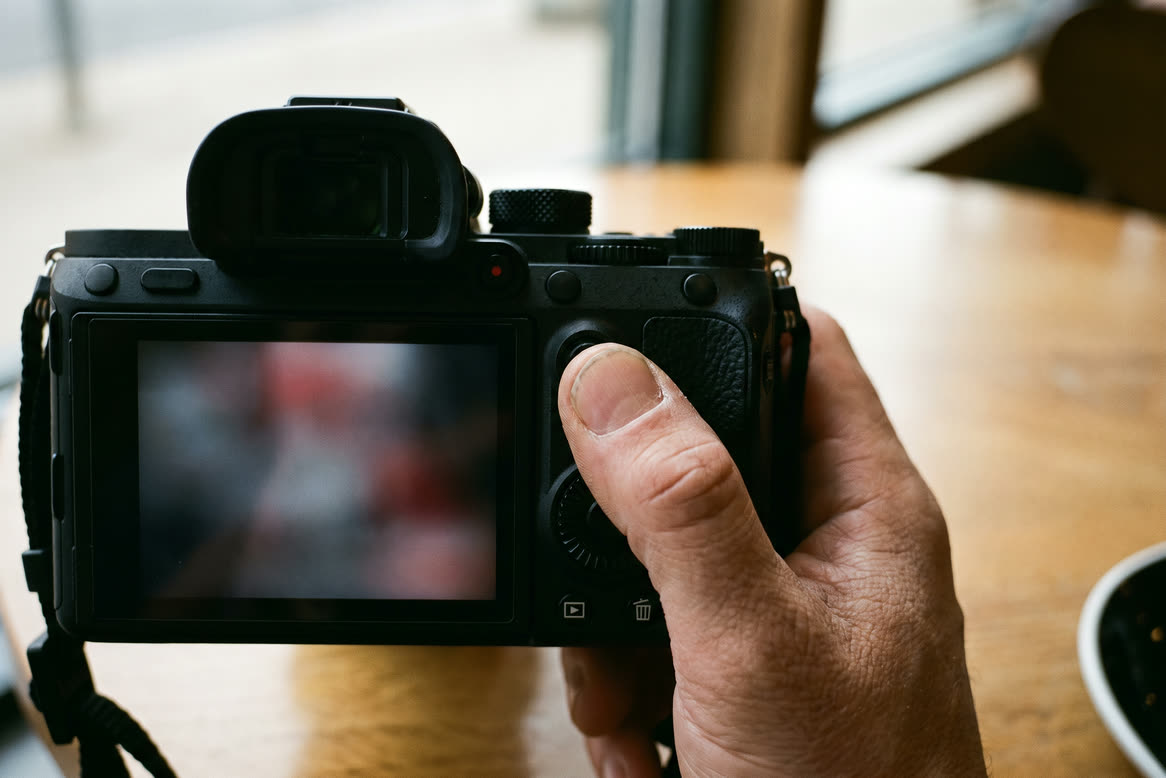 Canon and iPhone
Canon Camera Connect not working on iPhone: fixes in order
Start with the symptom, fix the matching iPhone or camera setting, and reset pairing only when needed.
Canon and iPhone
RAW, JPEG or HEIF when the camera is tethered to a phone
An iPhone cannot show a CR3. What to set so the phone gets something, the HEIF option, and keeping RAW for the edit.