
Sony and iPhone
Sony a7C to iPhone: the PC Remote settings that work on the street
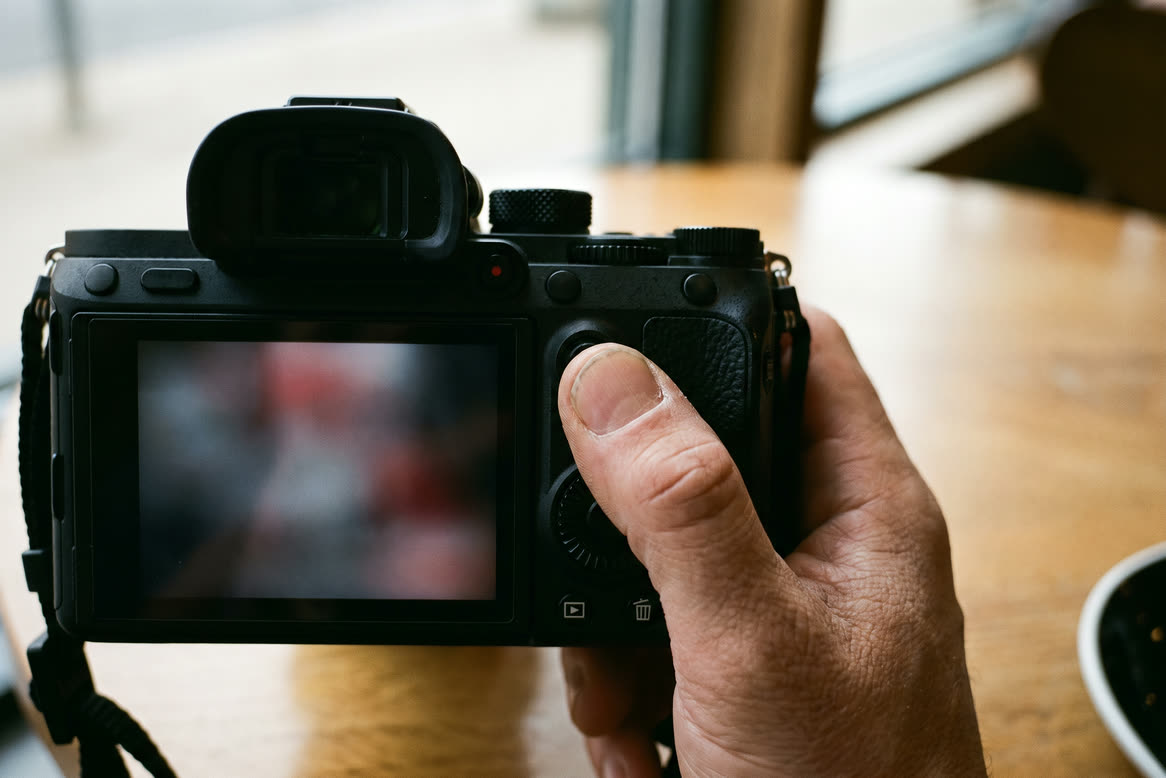
The Sony a7C is tested with StreetKit. Set it up once and every shot syncs to your iPhone a second or two after you take it, while you keep shooting the way you always do. The whole set-up is a handful of items in the a7C's Network menu, and the one that matters most is PC Remote. This page is those items in order, what goes wrong when one is off, and how to tell.
Why PC Remote, and not the USB modes
A Sony can talk over USB in a few ways. In MTP or Mass Storage the camera hands its card to whatever it is plugged into and shows a "USB connected" screen. You cannot shoot in that state, so there is nothing new for the phone to catch. In PC Remote the camera keeps shooting as normal and passes each new shot down the cable as it is taken. That is the mode StreetKit uses.
The settings, in menu order
- MENU, Network, Ctrl w/ Smartphone, Ctrl w/ Smartphone: Off. Sony's own guide asks for this before PC Remote. Leave the Wi-Fi link to a phone app off while you use StreetKit.
- MENU, Network, PC Remote Function, PC Remote: On. This is the setting. With it off, the a7C falls back to its USB Connection mode (MTP or Mass Storage) and shows the "USB connected" screen.
- PC Remote Function, PC Remote Cnct Method: USB. The other choices are Wi-Fi Direct and Wi-Fi Access Point, which StreetKit does not use.
- PC Remote Function, Still Img. Save Dest.: PC+Camera. The phone gets each shot and the card keeps a copy too. PC Only sends the shot to the phone and writes nothing to the card, so if you want the card as your backup, do not leave it there.
- PC Remote Function, RAW+J PC Save Img: JPEG Only, if you shoot RAW & JPEG. The RAW stays on the card for the edit and the phone gets the JPEG, which is what it can show. Sony only offers this item when File Format is RAW & JPEG and the save destination is PC+Camera.
- PC Remote Function, PC Save Image Size: Original. The other choice, 2M, sends a small copy to the phone.
Keep a card in the camera. Sony's guide notes that with PC+Camera and no card inserted, the shutter will not release. With a card in, PC+Camera is the safe setting.
Connecting
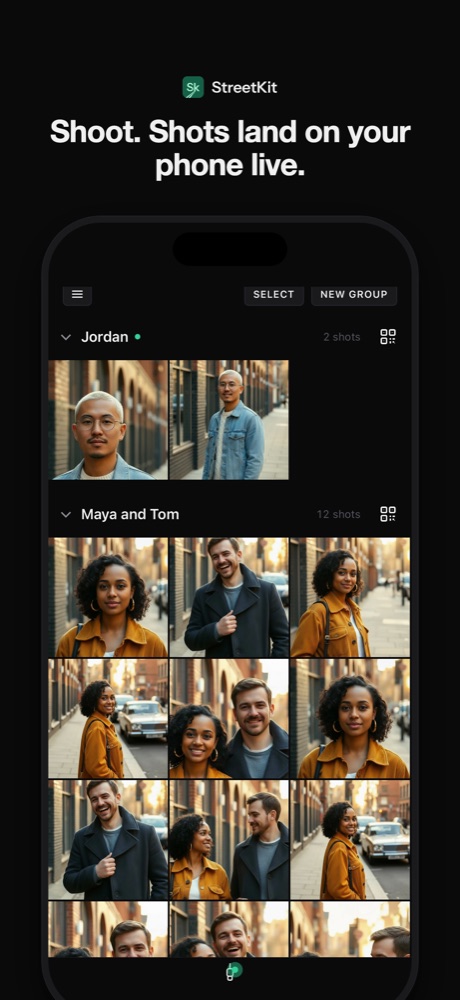
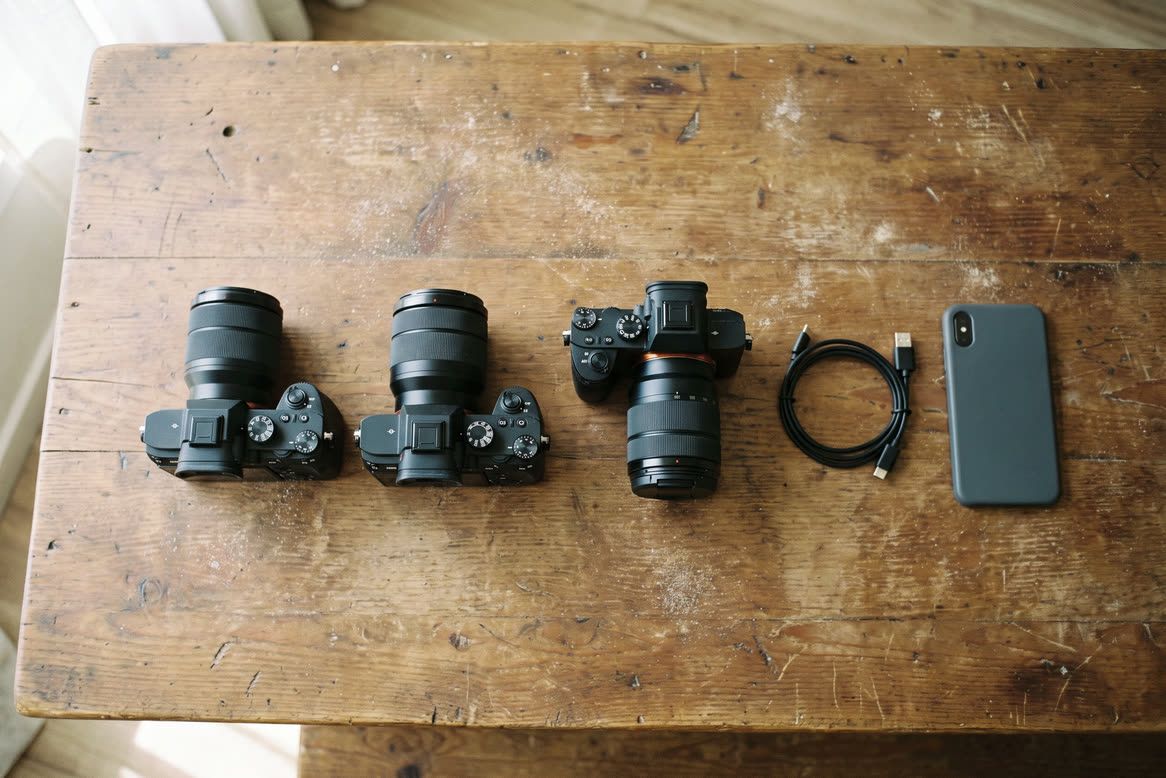
Camera on, then the cable from the a7C's USB-C port to the iPhone (an iPhone with USB-C: iPhone 15 or later). Open StreetKit. iOS may ask to allow the accessory; allow it. The footer goes from Waiting for camera to Connecting to Getting ready, then a green dot. From there, shoot.
Focus and shutter work as normal while connected. Back-button AF keeps working: focus with whichever button you assigned to AF On, release with the shutter, and every shot syncs to the phone. Each one goes into the app's grid, into the group at the top, and into a Street album in Photos unless you turn that off.
If nothing shows up on the phone
- The camera shows "USB connected" and will not shoot. PC Remote is off, so the a7C has gone into MTP or Mass Storage. Set PC Remote to On (step 2), then unplug and plug back in.
- StreetKit says the Sony is not in PC Remote. The app checks the camera when it connects and shows a fix-it note if the camera is in the wrong USB mode. The fix is the same: PC Remote on, connection method USB, then unplug and plug back in.
- The connection opens but no shots arrive. Check the two settings Sony asks for alongside PC Remote: Ctrl w/ Smartphone off (step 1) and PC Remote Cnct Method on USB, not one of the Wi-Fi choices (step 3). Then unplug and plug back in.
- Shots reach the phone but the card is empty afterwards. Still Img. Save Dest. is on PC Only. Set it to PC+Camera.
- The phone shows a small, soft copy. PC Save Image Size is on 2M. Set it to Original.
- Grey squares, or RAW shots missing on the phone. The iPhone cannot show a Sony ARW on its own, so StreetKit skips RAW files unless Keep RAW is on in its settings. Shoot JPEG, or RAW & JPEG with RAW+J PC Save Img on JPEG Only. The RAW, JPEG and HEIF guide has the reasoning.
- Still nothing. Try a different cable. Some USB-C cables only carry power, and a power-only cable looks exactly like a working one.
Things worth knowing
- Only shots taken while connected come over. StreetKit does not import the card. Shots taken before you plug in stay on the card.
- Movies are skipped, so a long clip never holds up the stills behind it.
- Battery. MENU, Setup, USB Power Supply decides whether the a7C takes power over USB from what it is plugged into. If your iPhone battery drops faster than you expect on a walk, set it to Off so the camera runs on its own battery.
Other Sony bodies
The Sony ZV-E10 is tested too (Sony support was built on it) and uses the same menu as the a7C. Other Sony cameras with PC Remote use the same connection and are likely to work, though none is tested with StreetKit yet. Sony moves the setting between generations: on the a7C and ZV-E10 it is in the Network menu under PC Remote Function, on some older bodies PC Remote is a choice under Setup, USB Connection, and newer menus call it Remote Shooting. Whatever the name, you want the mode where the camera can still shoot while connected. The compatibility list says which bodies are tested. If you try another Sony, an email to support@streetkit.app with the model and firmware version moves it to a firmer answer for the next person.
Questions people ask
Does StreetKit work with the Sony a7C?
Yes. The a7C is tested with StreetKit in PC Remote. Set PC Remote to On with the connection method on USB, and every shot syncs to the iPhone as you take it.
Can I use MTP or Mass Storage instead of PC Remote?
No. In MTP or Mass Storage the a7C shows a "USB connected" screen and will not shoot while connected, so there is nothing new for the phone to catch.
Will the shots still be on my card?
Yes, if Still Img. Save Dest. is set to PC+Camera. On PC Only, shots go to the phone and nothing is written to the card.
Does back-button focus still work?
Yes. Focus with the button you assigned to AF On and release with the shutter, as you would without the phone.
What about the a7C II, a7 IV or other Sony bodies?
Sony bodies with PC Remote are likely to work, but only the a7C and the ZV-E10 are tested so far. The menu names differ by generation, so look for the mode that lets the camera keep shooting while connected.
Keep reading
 Canon and iPhone
Which Canon cameras connect to an iPhone over USB
EOS R3, R5, R6, R8, R50 and the rest: which bodies talk to an iPhone over a cable.
 Canon and iPhone
RAW, JPEG or HEIF when the camera is tethered to a phone
An iPhone cannot show a CR3. What to set so the phone gets something, the HEIF option, and keeping RAW for the edit.
 Canon and iPhone
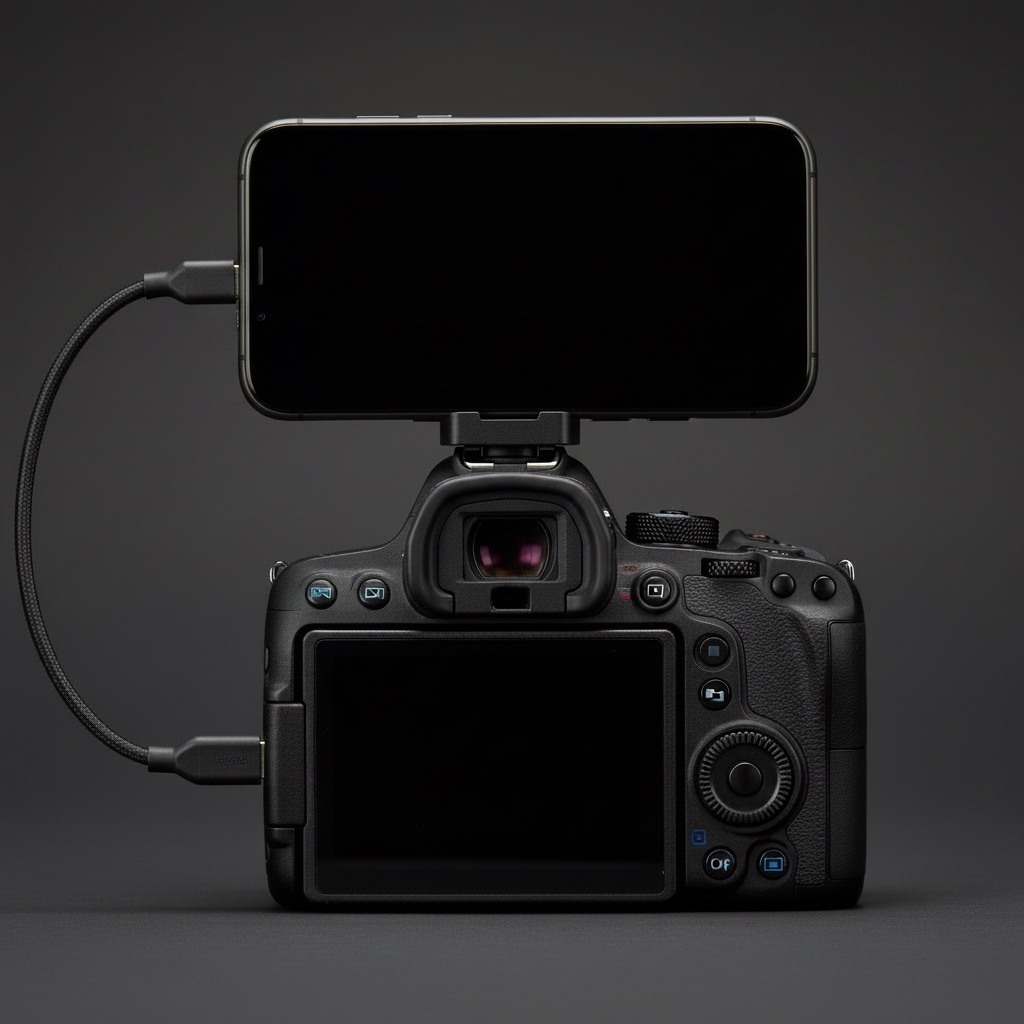
Mounting an iPhone on a camera hot shoe: the mount, the cable, the length
MagSafe cold-shoe mounts, which USB-C cable, how long, and keeping it out of the lens.
 Sharing photos
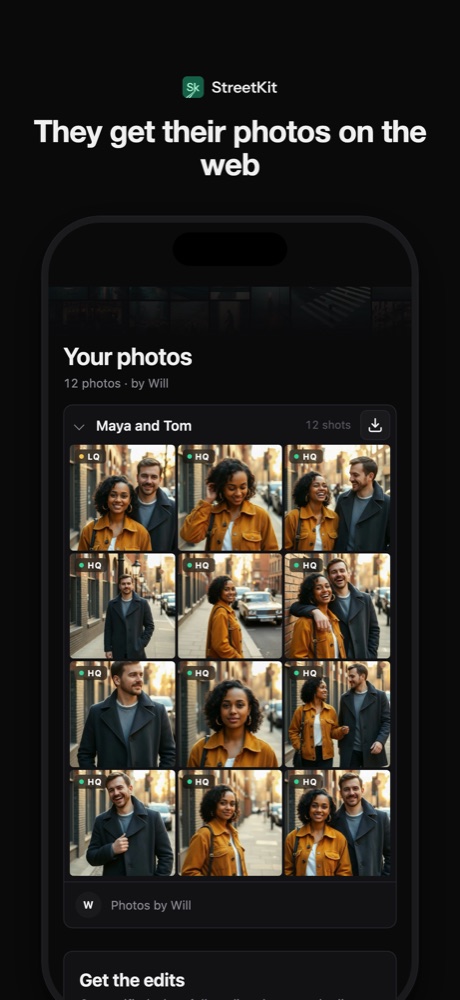
How to send people the photos you took of them (without losing half of them)
AirDrop, text, Dropbox, a gallery, or a QR code on the spot. What each one costs and who actually gets their photo.