
Canon and iPhone
Canon R5 "Choose USB connection app": where it is, and what to pick for an iPhone
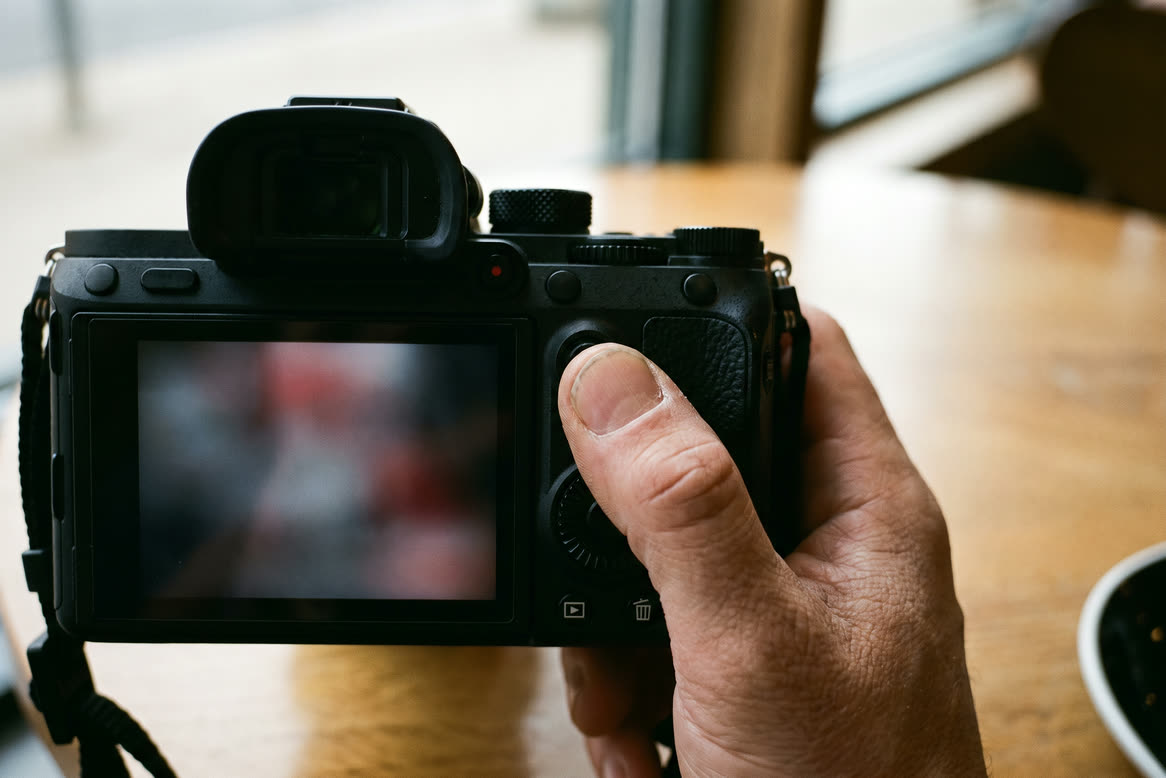
Photo Import/Remote Control
On an R5 Mark II, that is the choice for an iPhone. The original R5 has no Choose USB connection app item at all.
- Communication functionsWhere the R5 Mark II keeps it
- Photo Import/Remote ControlFor the iPhone and StreetKit
- Original R5No item, nothing to set
On a Canon EOS R5 Mark II, open Communication functions, then Choose USB connection app, and pick Photo Import/Remote Control for an iPhone. The original EOS R5 has no Choose USB connection app item: turn off its Wi-Fi connection and plug in directly.
Which R5 do you have?
- EOS R5 Mark IICommunication functions, Choose USB connection app
- EOS R5 (first generation)No such item. Wi-Fi off, then plug in
The item is searched for as if every R5 has it. Only the Mark II does. That is why owners of the first R5 go through every menu page and find nothing.
R5 Mark II: set it once
- Open the network menuCanon puts the item with the R5 Mark II network settings, not on the general set-up page used by smaller EOS R bodies.
- Communication functionsThen Choose USB connection app.
- Pick Photo Import/Remote ControlThe camera remembers it.
- Connect the iPhoneA USB-C data cable, camera on first.
The three options on the R5 Mark II
| Option | Use it for |
|---|---|
| Photo Import/Remote Control | The iPhone Photos import, StreetKit, and EOS Utility on a computer. |
| Canon app(s) for iPhone | Canon's own iOS apps, when one of those apps asks for a wired connection. |
| Video calls/streaming | Using the camera as a webcam on a computer. Not for moving photos. |
Original R5: there is no item to find
The original R5 is expected to work with StreetKit but has not been tested yet. Its own guide, Canon EOS R5 to iPhone, has the cable and setup, and an offer of a year of Pro to the first person who sends a result.
The iPhone still shows nothing
- CableCharge-only USB-C cables look the same as data cables. Swap it first.
- The modeMark II: Photo Import/Remote Control, not Video calls/streaming.
- Wi-FiNo active Wi-Fi connection on the camera.
- Camera on, then plug inAnd tap Allow if the iPhone asks about the accessory.
Open Photos and look for the camera under Import. If it appears there, the camera and cable are fine. The general USB connection app guide covers the same menu on other Canon bodies.
Shooting live from an R5
- Shoot on the R5Photo Import/Remote Control
- Each photo syncsTo the iPhone, in seconds
- QR codeOne per group
The same mode lets StreetKit pick up every new photo as you take it. The R5 Mark II is tested with StreetKit.
Questions people ask
Why can I not find Choose USB connection app on my R5?
The first-generation EOS R5 does not have it. The item arrived with newer bodies such as the R5 Mark II. On the original R5, end any Wi-Fi connection and connect the cable directly.
Should I pick Canon app(s) for iPhone?
Only for Canon's own iOS apps. The Photos app and StreetKit need Photo Import/Remote Control.
Does the setting change anything when no cable is connected?
No. It only decides what the camera offers over USB. Shooting and the card work the same either way.
Keep reading
 Canon and iPhone
Transfer photos from a Canon EOS R5 Mark II to an iPhone
EOS R5 Mark II: tested, with the exact port, menu and iPhone setup.
Canon and iPhone
Transfer photos from a Canon EOS R5 to an iPhone
EOS R5: expected to work, with the exact port, menu and iPhone setup. The first test report earns a year of Pro free.
Canon and iPhone
Canon "USB connection app": which setting to pick, and why the iPhone sees nothing
The one menu item that decides whether an iPhone sees your Canon, and what each option does.