Photos already taken
Photos import
The built-in route. It reads the card and asks the photographer to choose files.
- No Wi-Fi pairing step
- Keeps the phone's normal network available
- For files already on the card, not new shots

Canon and iPhone
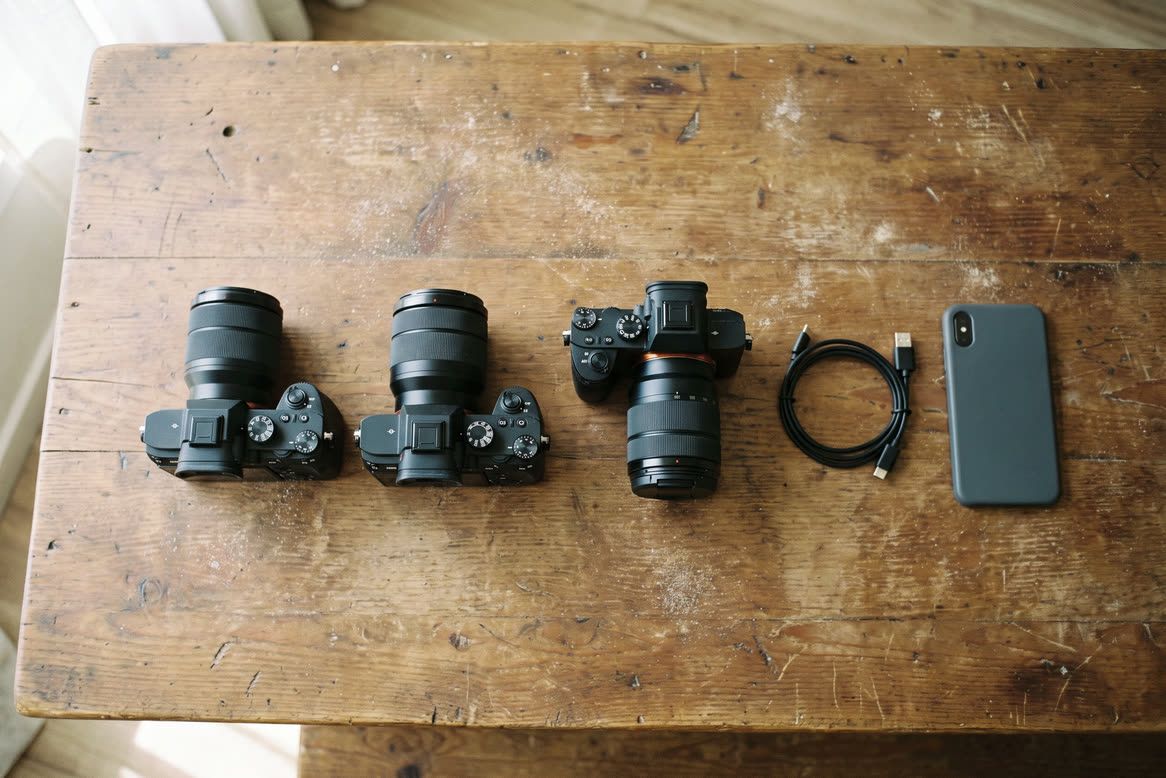
Expected to work
The Canon EOS RP is expected to work with StreetKit, but it has not been tested yet.
The Canon EOS RP is expected to work with StreetKit, but it has not been tested yet. It has a USB-C port. Three jobs are easy to confuse: importing existing card photos in Apple Photos, using Canon Camera Connect over Wi-Fi, and syncing each new shot with StreetKit while shooting.
Be the first to test the EOS RP and get a year of StreetKit Pro free. Nobody has sent us a result from this body yet. Try StreetKit on your EOS RP and tell us what happened. The first person to report on the EOS RP gets one year of Pro free, whether it worked or not. Email support@streetkit.app with your iPhone model and what you saw, or send it from the app under Menu, Feedback. We reply with a code for the year.
The built-in route. It reads the card and asks the photographer to choose files.
The right choice for wireless browsing, transfer and supported remote-control features.
Each new shot syncs to the active group on the iPhone.
The EOS RP has a USB-C digital terminal. Use a USB-C to USB-C data cable with an iPhone 15 or later.
The RP predates Canon's Choose USB connection app menu. Do not look for Photo Import/Remote Control on this body.
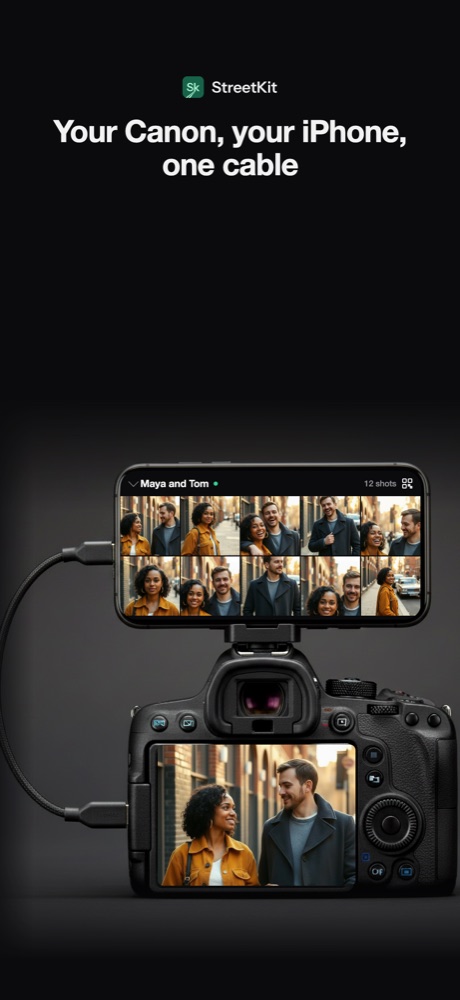
1Each new shot syncs into the group.
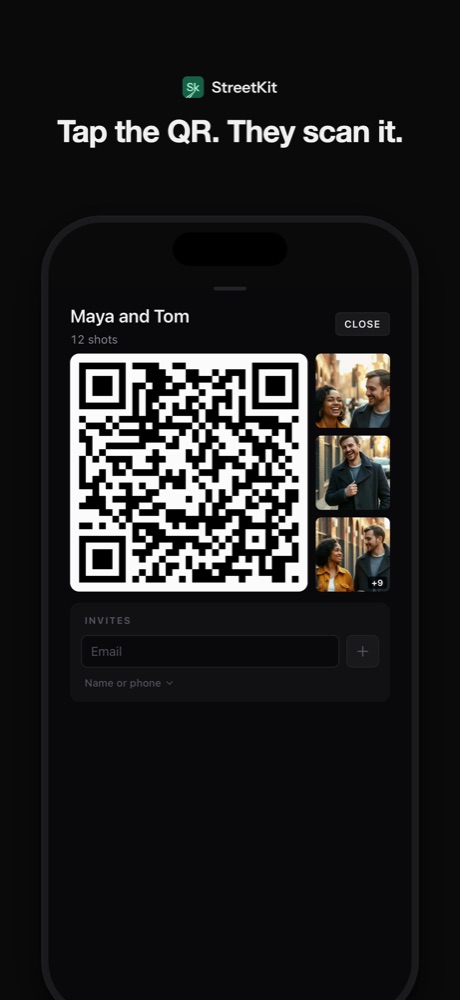
2Show Maya and Tom the QR code.
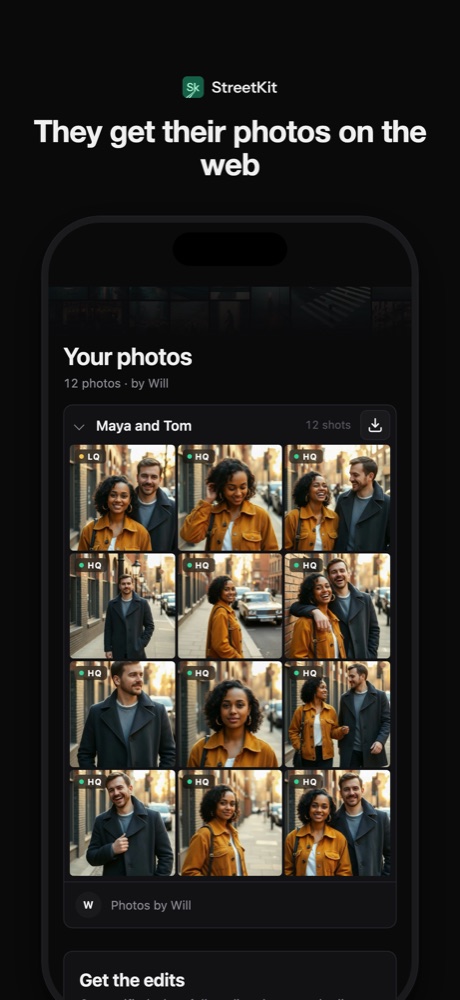
3The gallery opens on Maya's phone.
StreetKit groups the photos for delivery and saves displayable copies to Photos when that option is on.
For the full list, see which Canon cameras connect to an iPhone. Related bodies: the EOS R and EOS R6.
The Canon EOS RP is expected to work with StreetKit, but it has not been tested yet. The repository compatibility matrix says expected to work, not tested. The first person to try StreetKit on the EOS RP and send the result to support@streetkit.app gets one year of StreetKit Pro free.
Yes. The first person to try StreetKit on a Canon EOS RP and send us the result gets one year of StreetKit Pro free. It counts whether the camera worked or not. Email support@streetkit.app with your iPhone model and what you saw, or use Menu, Feedback in the app. One free year per camera model, for the first report we receive.
The EOS RP has a USB-C port. The EOS RP has a USB-C digital terminal. Use a USB-C to USB-C data cable with an iPhone 15 or later. A Lightning iPhone needs a camera adapter setup, which StreetKit has not tested.
Yes for the wired workflows described here. Apple Photos can import existing card photos. StreetKit uses the direct camera connection for new shots taken while it is open and ready.
Canon and iPhone
Transfer photos from a Canon EOS R to an iPhone
EOS R: expected to work, with the exact port, menu and iPhone setup. The first test report earns a year of Pro free.
Canon and iPhone
Transfer photos from a Canon EOS R6 to an iPhone
EOS R6: tested, with the exact port, menu and iPhone setup.
Canon and iPhone
Which Canon cameras connect to an iPhone over USB
EOS R3, R5, R6, R8, R50 and the rest: which bodies talk to an iPhone over a cable.